ECDIS-E User Guide Targets
65934012 9-1
Chapter 9 Targets
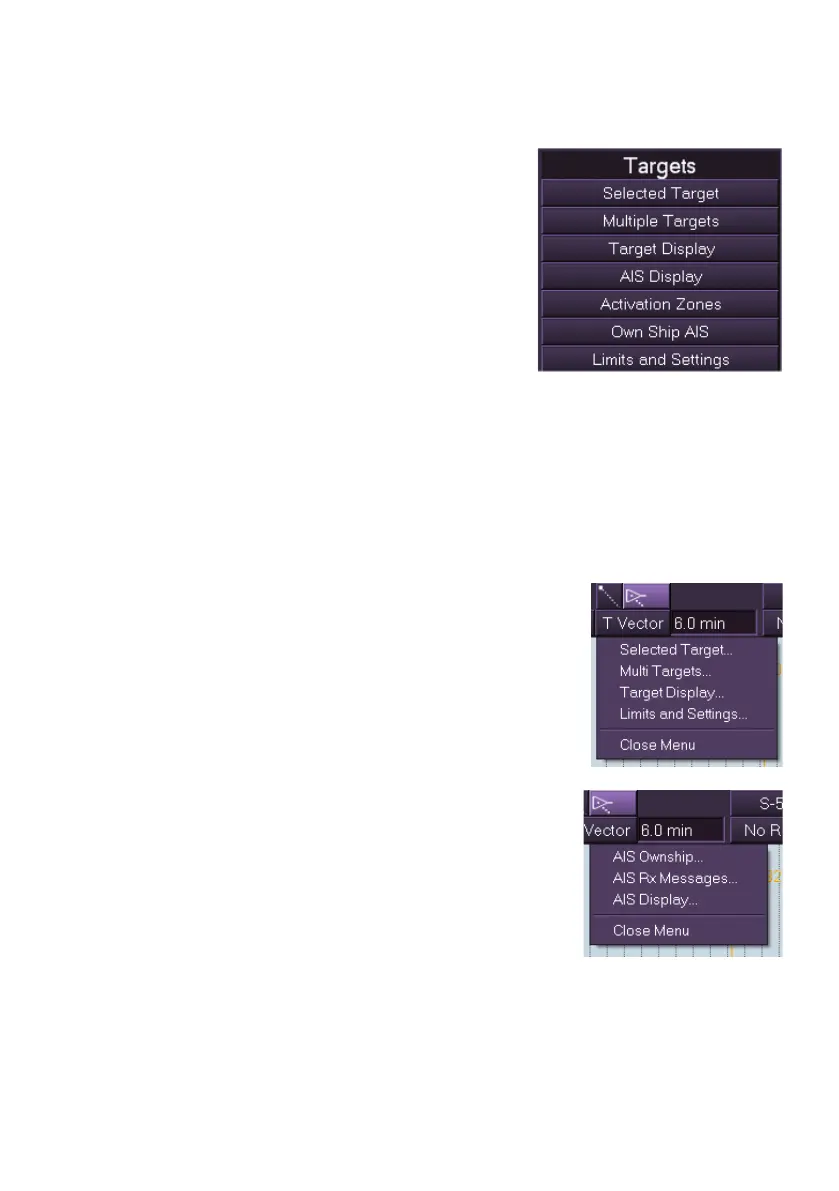
The Targets facility provides information and
management of all targets, including locally
tracked targets and AIS targets.
To open the menu left click on the Targets
button in the main menu list. The Targets sub-
menu list is displayed with the following
selection options:
Selected Target, which includes Target
Data and AIS Info
Multiple Targets
Target Display
AIS Display
Classes and Types of AIS
Activation Zones
Own Ship AIS
Limits and Settings
The following Target sub menu functions can also be
accessed by right clicking on the Tracked Targets
icon on the upper toolbar:
Selected Target
Multiple Targets
Target Display
Limits and Settings
The following AIS sub menu functions can also be
accessed by right clicking on the AIS icon on the
upper toolbar:
AIS Ownship
AIS Rx Messages
AIS Display



 To Next Page