ECDIS-E User Guide Getting Started with ECDIS-E
65934012 2-11
Main Menu and Sub Menu Functions
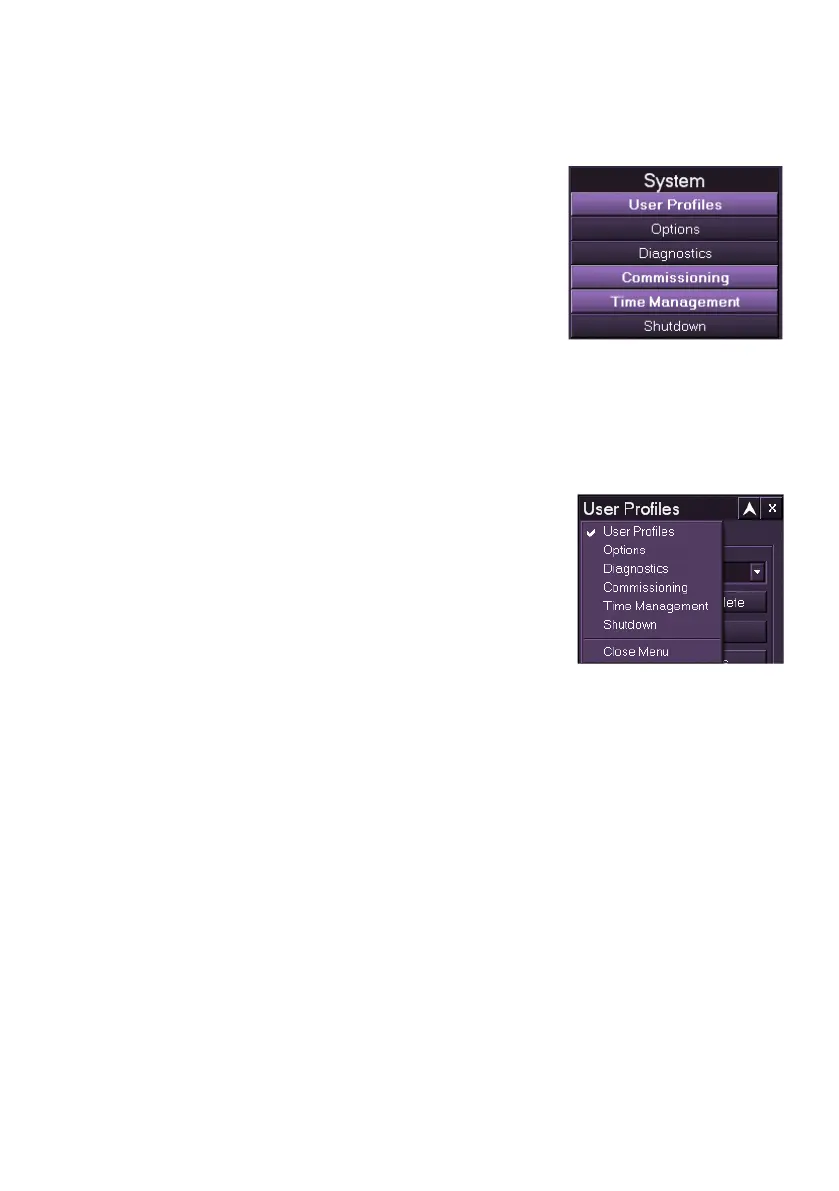
To access the sub menu functions from a main menu click on the function
in the sub menu navigation list. The selected
function is highlighted in the main menu and the
function window opens in the upper right of the
display, directly above the sub menu list. If another
sub menu function is opened the function window
previously opened now closes and is replaced by
the new selection. To keep the previous window
open, move it to another position on the display
(see Controlling Popup Windows), each displayed function is highlighted in
the sub menu navigation list.
To remove the function window from the display either click on its button in
the navigation list, or click the Exit button on the window.
Selecting related Sub Menus from a Function Title Bar
When a sub menu window is open all related sub
menu options within that main menu can be quickly
accessed by right clicking on the sub menu title bar
and selecting from the drop down list. The sub
menu currently opened is ticked in the list. The sub
menu option selected from the drop down list
replaces the previously opened window.



 To Next Page