Basic Operation of ECDIS-E ECDIS-E User Guide
3-44 65934012
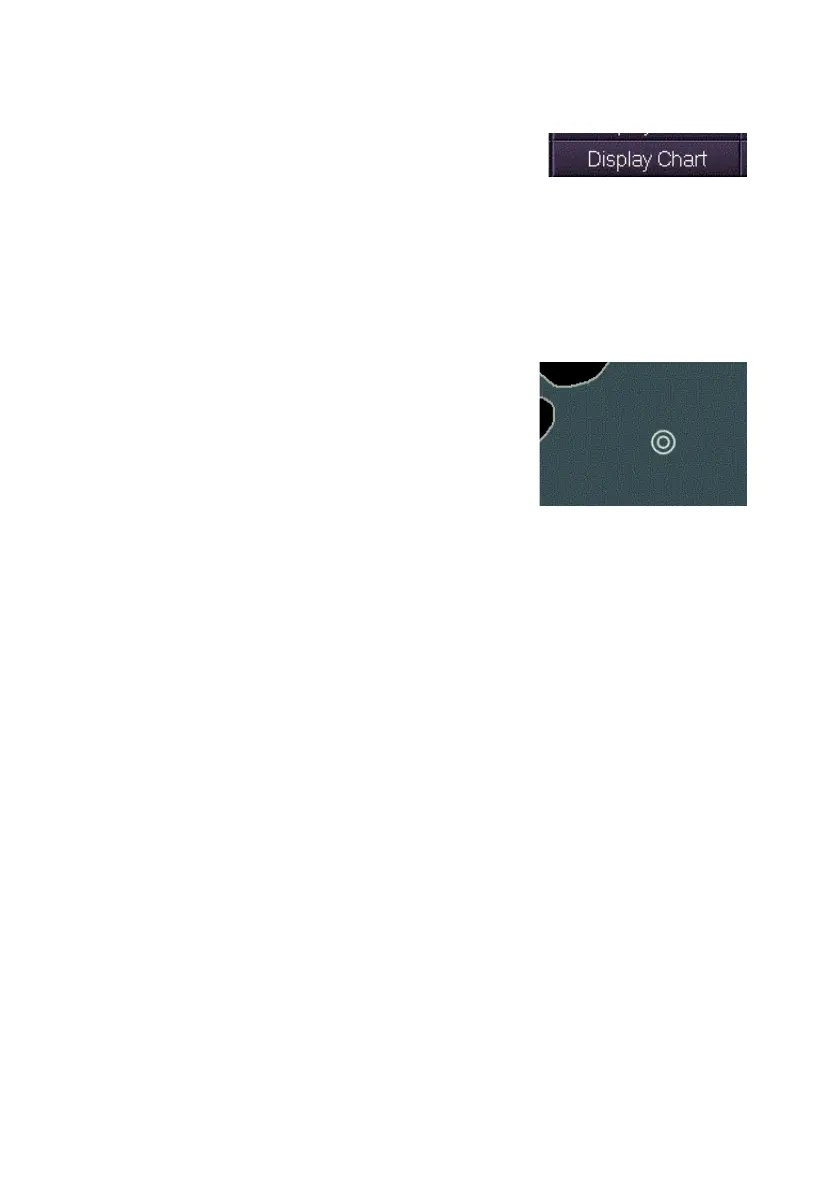
Display Chart
All non-chart synthetics can be temporarily
suppressed, retaining only chart related
information contained in the currently applied ECDIS chart display mode.
Suppression of synthetics applies to both primary and secondary chart
windows.
To suppress non-chart synthetics:
1. Move the cursor to the lower popup toolbar area, left click and hold
the left key down on the Display Chart button. All non-chart
synthetics on the screen are
suppressed.
All synthetics on the screen are
suppressed while the button is pressed
(including ownship heading, course
vector and all target data). The only
synthetic retained is ownship symbol.
2. To restore synthetics release the left key on the Display Chart
button.
Watch Mode
The Watch Mode button at the top right of the screen shows the
presentation mode. This button will display ECDIS only.



 To Next Page