ECDIS-E User Guide Navigation Tools
65934012 5-9
Display Parallel Index Lines
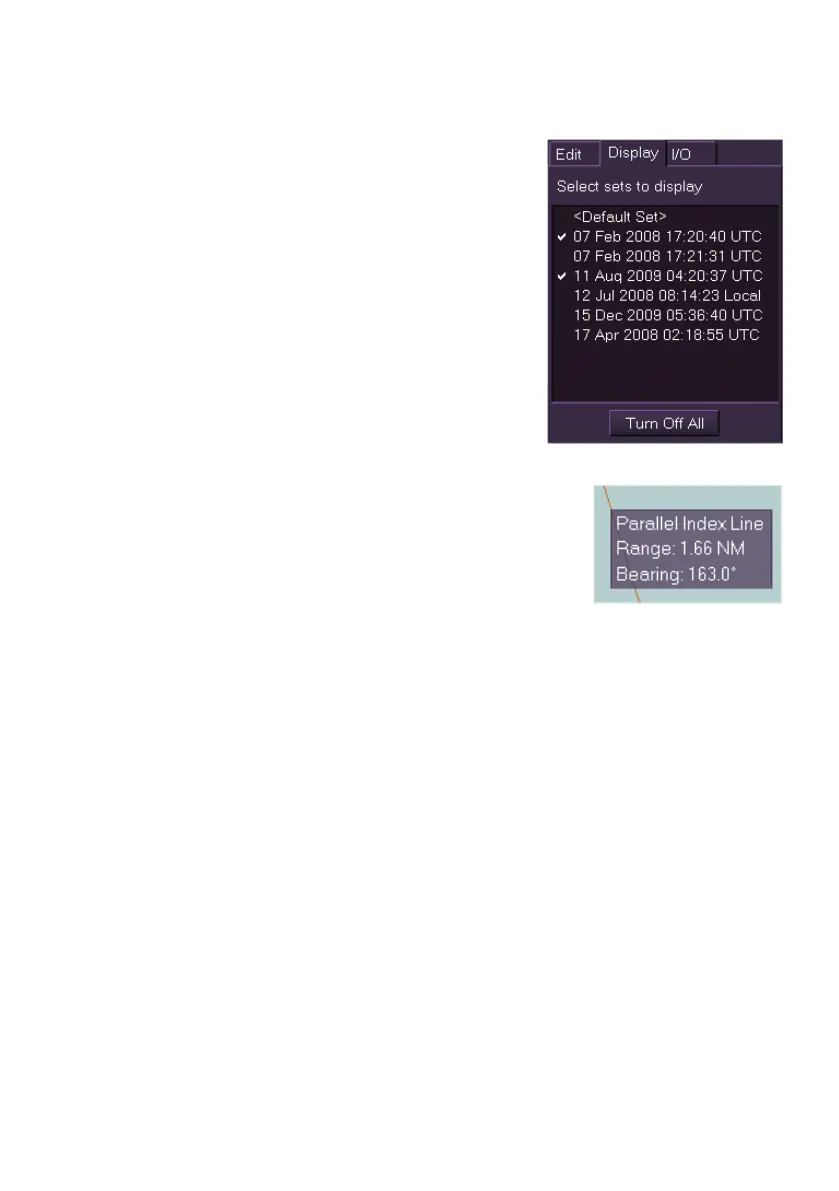
The Display tab folder enables the selection of
one or more sets of Parallel Index Lines to be
displayed on the screen at the same time. When
Display is initially accessed no PI Line Sets are
selected for display.
The tab folder lists all the current PI Line Sets
created in the Edit tab folder. To select a set for
display click on the set name, the set's check
box is ticked and the PI lines are displayed.
Continue to select line sets for display as
required.
To remove a line set from the display click on the
set, the tick is removed from the check box.
To turn the display of all sets off, click the Turn Off All box, all PI line sets
are removed from the screen.
To display information for a specific PI line, hover the
cursor over the line. The current range and bearing
for that line are displayed on the screen.



 To Next Page