Navigation Tools ECDIS-E User Guide
5-24 65934012
LOP Fixes
When two or more LOPs are drawn and intersect, a temporary position fix
is created. A LOP temporary fix symbol is drawn at the intersection point to
indicate the position of the fix.
When three or more LOPs are created with no intersection point, the
temporary position fix is drawn at a calculated position, defined as the
magnitude of the difference between the calculated fix and the GPS fix.
The figure to the right shows two bearing lines and one range ring.
When a fix has been accepted by clicking the Accept Fix button, a
temporary prompt `LOP Sensor - updated' appears and a LOP permanent
fix symbol is drawn at the same position as the temporary fix symbol.
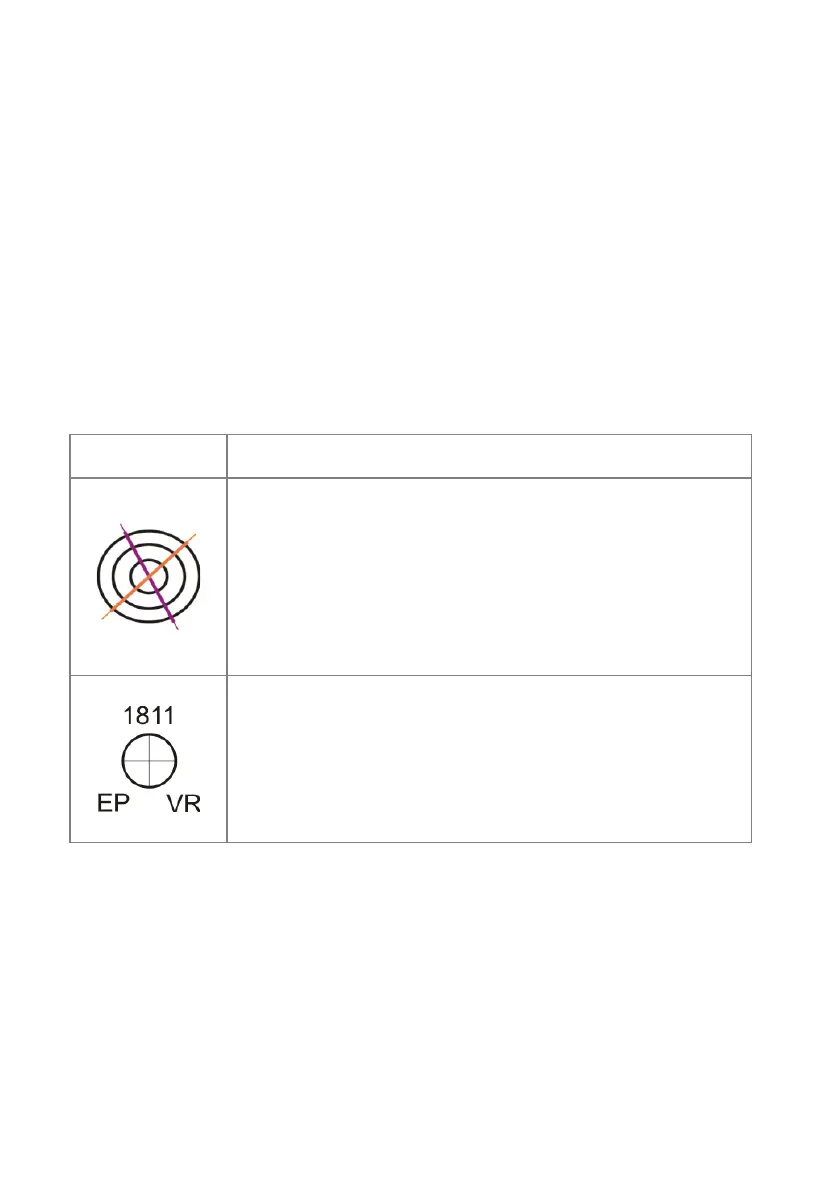
The table below shows the temporary and permanent LOP fix symbols,
together with a brief description.
Symbol Description
The Temporary Fix symbol is created when two or more
LOPs intersect. The symbol moves across the display in
conjunction with the bearing lines/range rings.
A temporary fix symbol is removed if:
the LOPs are deleted
the temporary fix expires (expiration time configured
during commissioning)
a new temporary fix calculation fails
When the operator accepts a position fix, a permanent fix
symbol is created. The symbol includes the current system
time above the symbol and the fix type, e.g. VR to the lower
right of the symbol and EP in the lower left of the symbol. See
the table below for a list of fix types.
A permanent fix symbol remains at the fix position, and is
displayed in addition to a temporary fix symbol.



 To Next Page