Getting Started with ECDIS-E ECDIS-E User Guide
2-16 65934012
Online Help
The system includes an online Help Guide that provides information and
procedures necessary to operate the system.
A context-sensitive help facility is also provided. This type of help is called
"context-sensitive" because it enables the user to quickly access
information relevant to the major functions displayed on the screen.
Accessing Context Sensitive Help
1. Click on the iHelp button in the lower toolbar area.
2. With the cursor displaying the
? icon click on the
required function button, the Help information relevant to that
function appears information relevant to that function appears in a
movable window on the chart display .
Accessing the Help Guide
The Help Guide can be accessed by clicking on
the Launch Explorer button at the bottom of the
Help window.
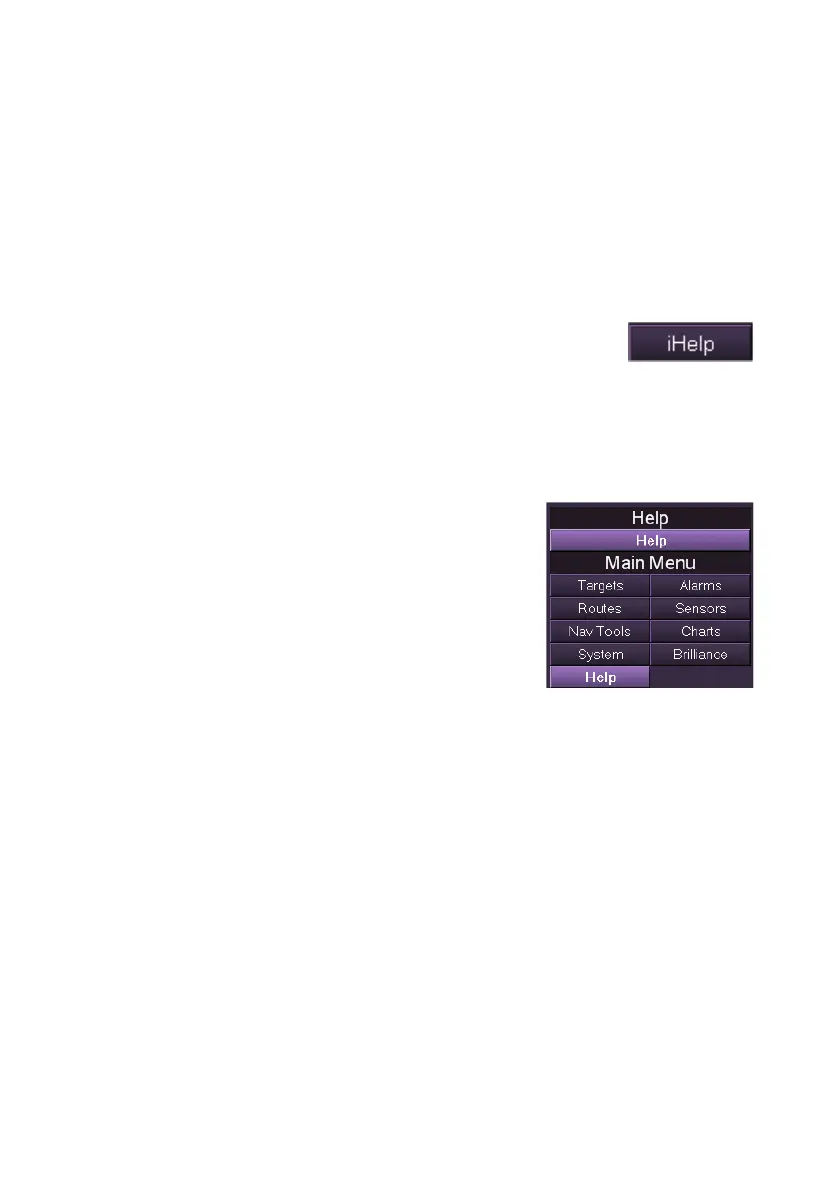
This window can be accessed either from the
context Help window previously opened, or by
clicking on the Help button in the main menu list,
and then clicking on the Help sub menu button.
Help appears as a moveable window and can be
resized as required.
On-Screen Keyboard
The Help Guide includes a screen keyboard that allows the operator to
enter textual and numerical data.
To access the keyboard click the On-Screen Keyboard button at the
bottom of the Help window. A keyboard window appears below the Help
Guide, replicating a standard computer keyboard. The keyboard window
may be minimised or closed by clicking the respective buttons at the top
right of the window.



 To Next Page