ECDIS-E User Guide Charts
65934012 4-67
Chart Query
The Chart Query facility enables the operator to highlight and view detailed
information on specific chart areas and geographic objects in the chart
display.
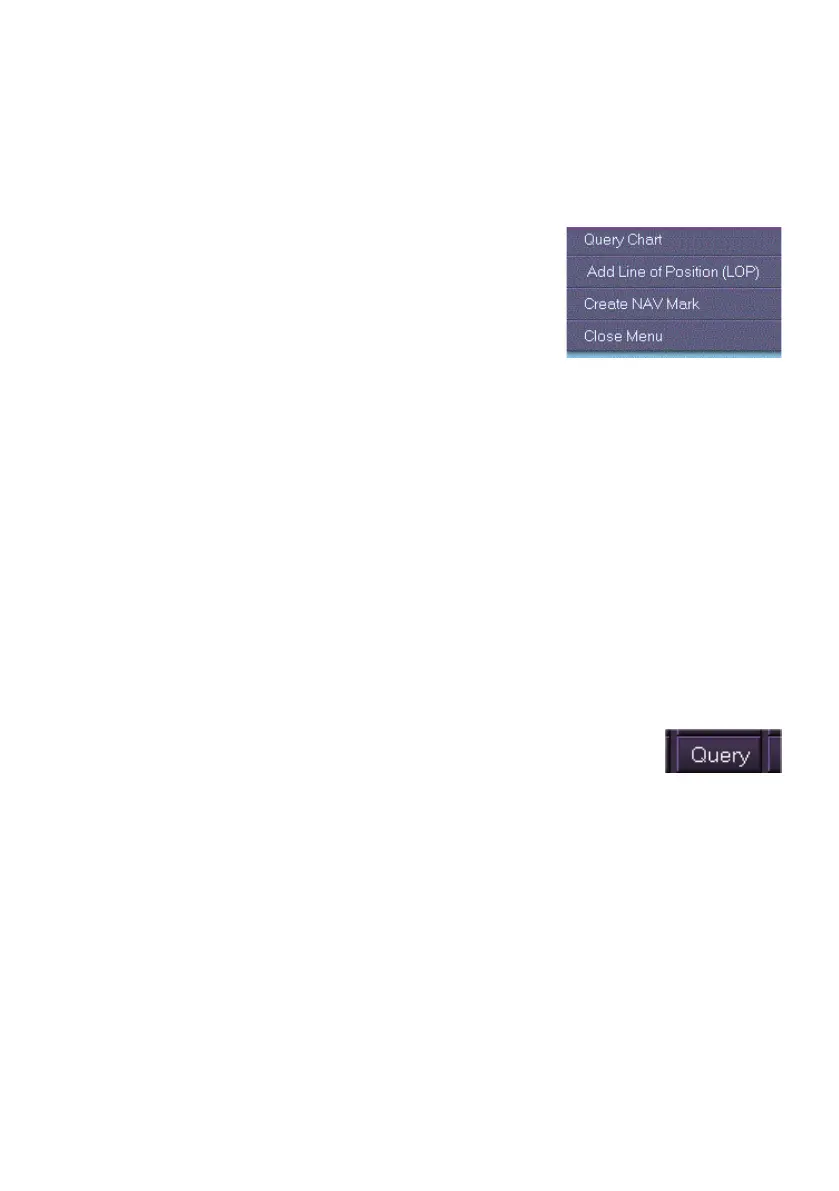
A chart query can be activated from the Chart
Query Results folder, or by right clicking on a chart
object in the chart display and selecting Query
Chart from the semi-transparent window. When
Query Chart is activated in this way the query is
performed at the right click position, based on the
current set of filter options, see Query Options. The Chart Query Results
folder will automatically display the object information when Query Chart is
activated.
When a query is activated the selected object, line or area is highlighted
with a suitable graphic. For a description of the different object types see
Query Results.
The Chart Query sub menu includes the following controls:
display the results of the query and navigate to the next object
start a new query or clear an old query
set the query options.
With AIO enabled in Chart Settings Symbology AIO objects such as
temporary and preliminary notices relevant to the current chart display can
be rendered from the Chart Query window. For information on AIO objects
refer to Chart Query on AIO Data.
In addition to right clicking on a chart object the Chart Query
window can be quickly accessed by clicking on the Query
button in the lower popup toolbar area.



 To Next Page