ECDIS-E User Guide Charts
65934012 4-69
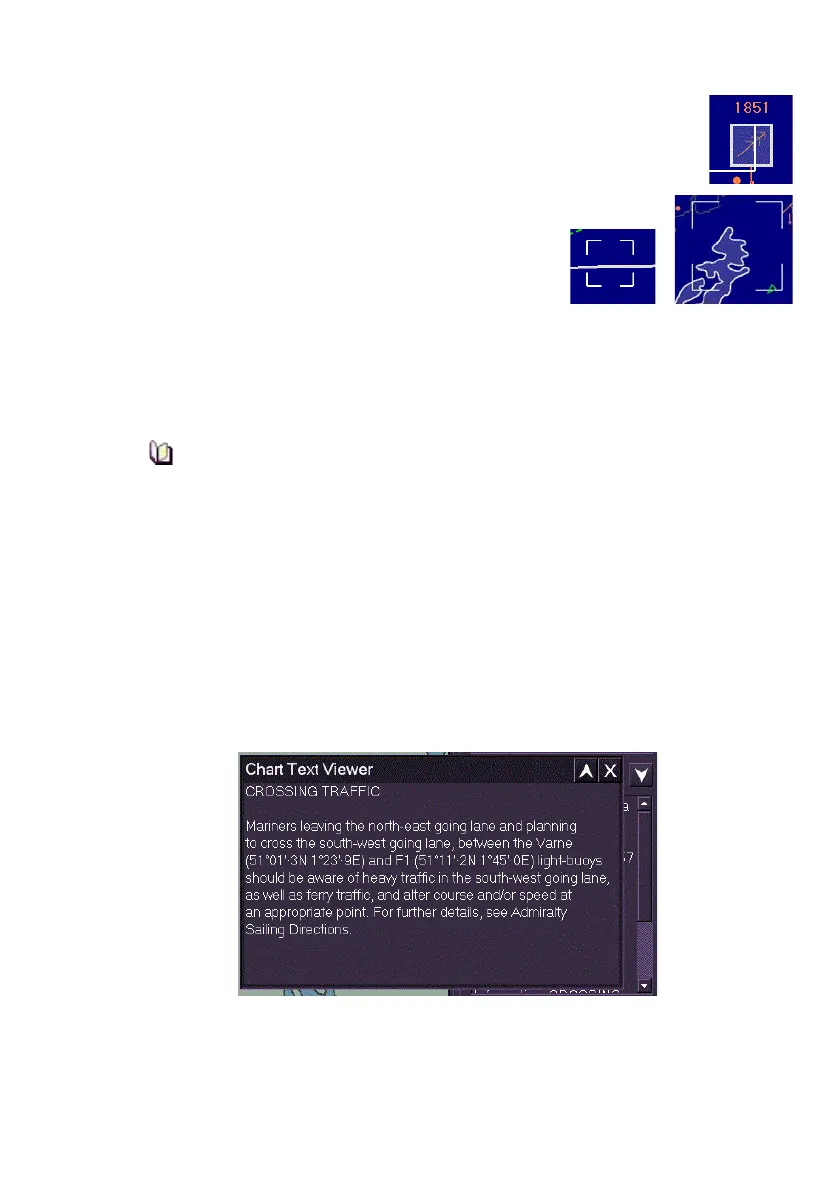
a. For Points and Clusters a solid line white box with a
lighter shade background is drawn around the
selected object
b. Areas are shown with a lighter shade background
and a white outline.
c. Lines are displayed in a solid white
line.
At the bottom of the menu, two controls are provided to control the display
of query results and highlighting. The Query Off button toggles between
On and Off, when activated the screen cursor changes to a
? below the
cross, the next left click enables you to query objects directly on the screen.
After approximately 15 seconds of inactivity, the Query On cursor
times out and reverts to Query Off.
4. To clear all query results from the query menu and also clear any
highlighting from the chart display click the Clear Query button.
Query results and objects highlighted will be cleared automatically
if the scale ratio is changed, or another function is selected.
Show File
If the selected chart object has an embedded text file or picture file the
Show File button becomes enabled. To view the file click on Show File,
the text file or picture file appears in a separate window.



 To Next Page