Basic Operation of ECDIS-E ECDIS-E User Guide
3-30 65934012
Off Centre, Pan and Goto
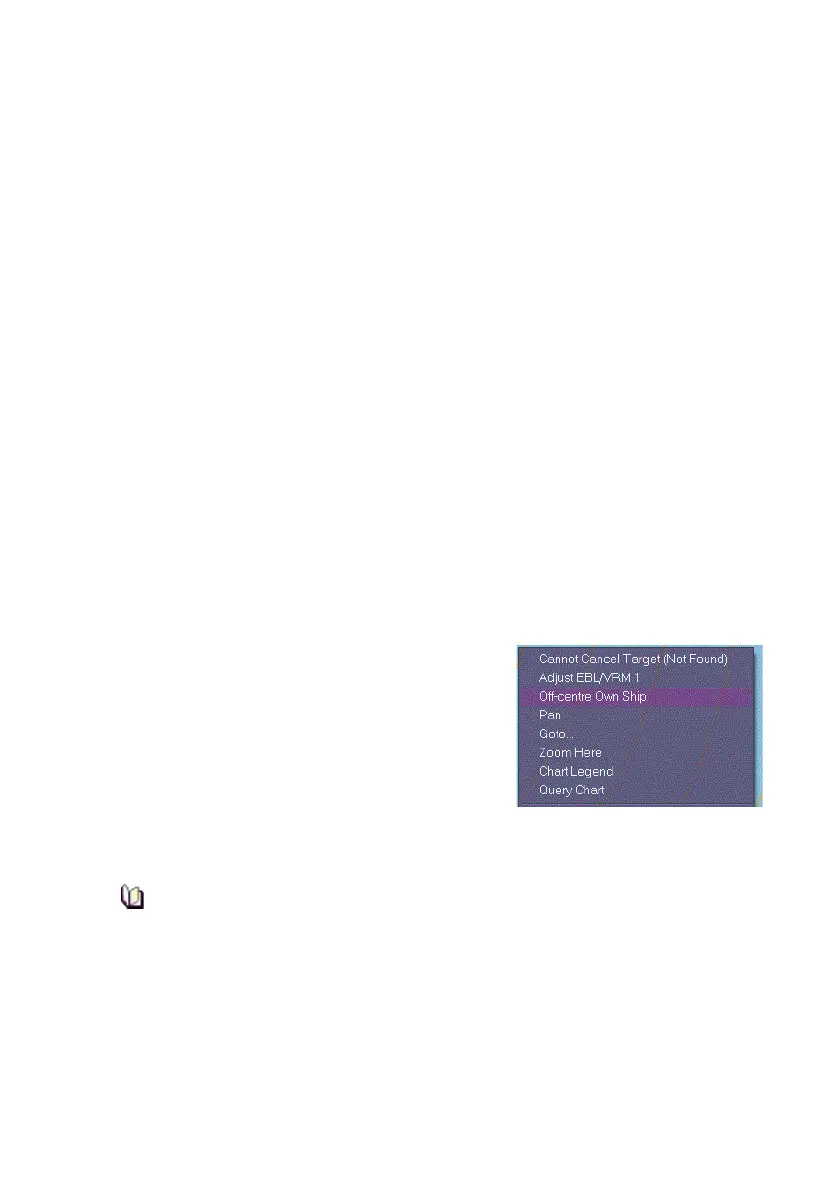
The following positioning options are available from a semi-transparent
window when you right click within the chart display:
Off-centre Own Ship - moves own ship to a selected position
within the True Motion (TM) limits, with all chart and target
positions also moved in accordance.
The Off-centre Own Ship action can be applied separately to the
primary and secondary chart displays.
Pan - moves a selected chart position (navigation marker or object)
to the centre of the display. Own ship's position, chart data and
target positions are all moved in accordance. Panning mode can
be applied independently to the primary and secondary chart
displays.
Goto... - moves a specified location to the centre of the display by
using the location's Latitude (LAT) and Longitude (LON)
coordinates, or by selecting a previously saved location.
When Pan or Goto positioning is selected the TM limits are disabled and
the message TM limits off is displayed in the Motion Mode button.
Off Centring Own Ship
To off centre own ship do the following:
1. Move the cursor to a position within the
display where you want the off centre
position to be and right click. A semi-
transparent window appears at the
selected position.
2. Select Off-centre Own Ship from the
window. Own ship's CCRP is moved to
the position selected, (see note below). All chart and target
positions are also moved in accordance.
If the position selected is outside the TM limits the Off centre
position will be limited to the edge of the TM limits box, nearest to
the selected position, see Setting True Motion Limits.
3. To cancel the operation and remove the window from the screen
select Close Menu.



 To Next Page