Brilliance ECDIS-E User Guide
11-4 65934012
Chart Symbols
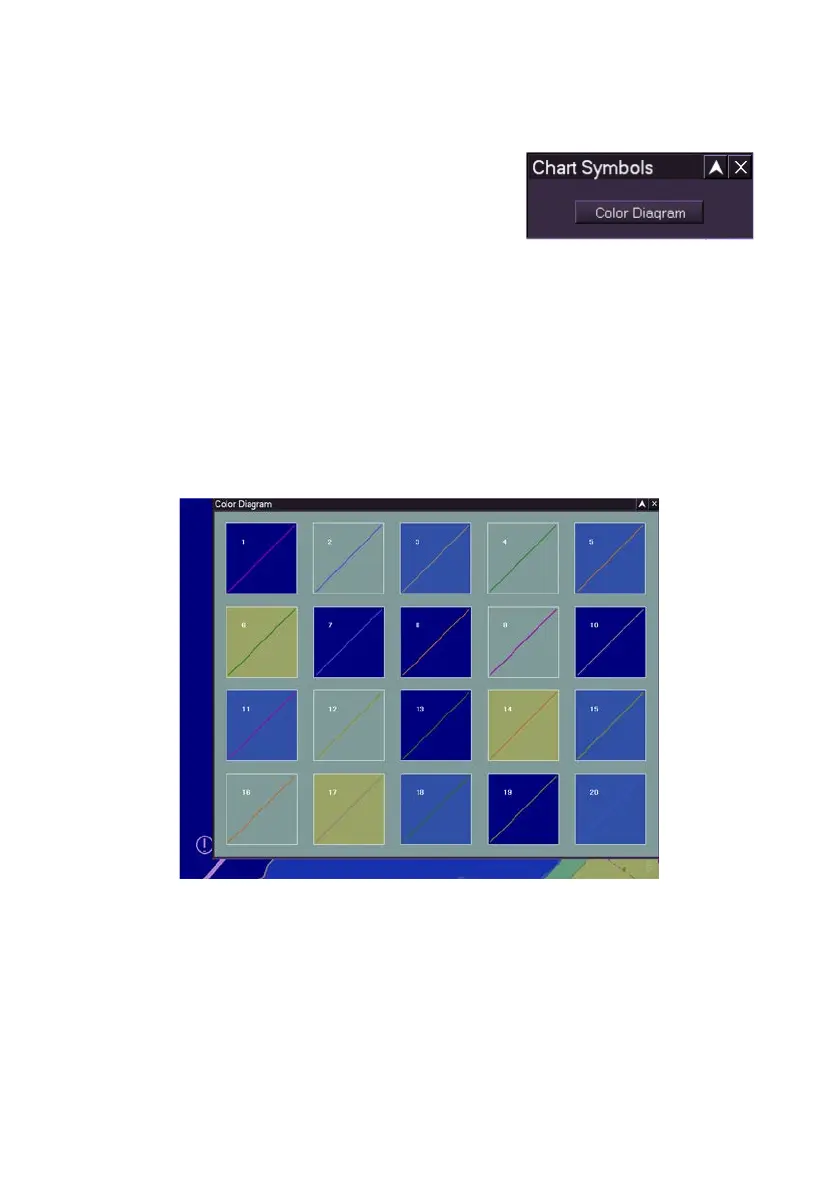
The Chart Symbols window enables access to a
colour diagram, which ensures that any
adjustments made to the brightness and contrast
settings on the monitor will enable the SENC
data, such as coastlines, safety contour and other objects to be adequately
displayed.
1. To adjust click on the Color Diagram button, a window appears
over the screen with 20 different background colour options and a
coloured diagonal line across each background colour.
2. While making any necessary brightness adjustments view the
visibility of the diagonal line against the background colour. If the
line becomes difficult to see the brightness/contrast setting is
inadequate for SENC data to be displayed.



 To Next Page