Navigation Tools ECDIS-E User Guide
5-30 65934012
Event Marks
Event marks may be applied at any time to ownship's history track. These
are displayed as an event mark symbol.
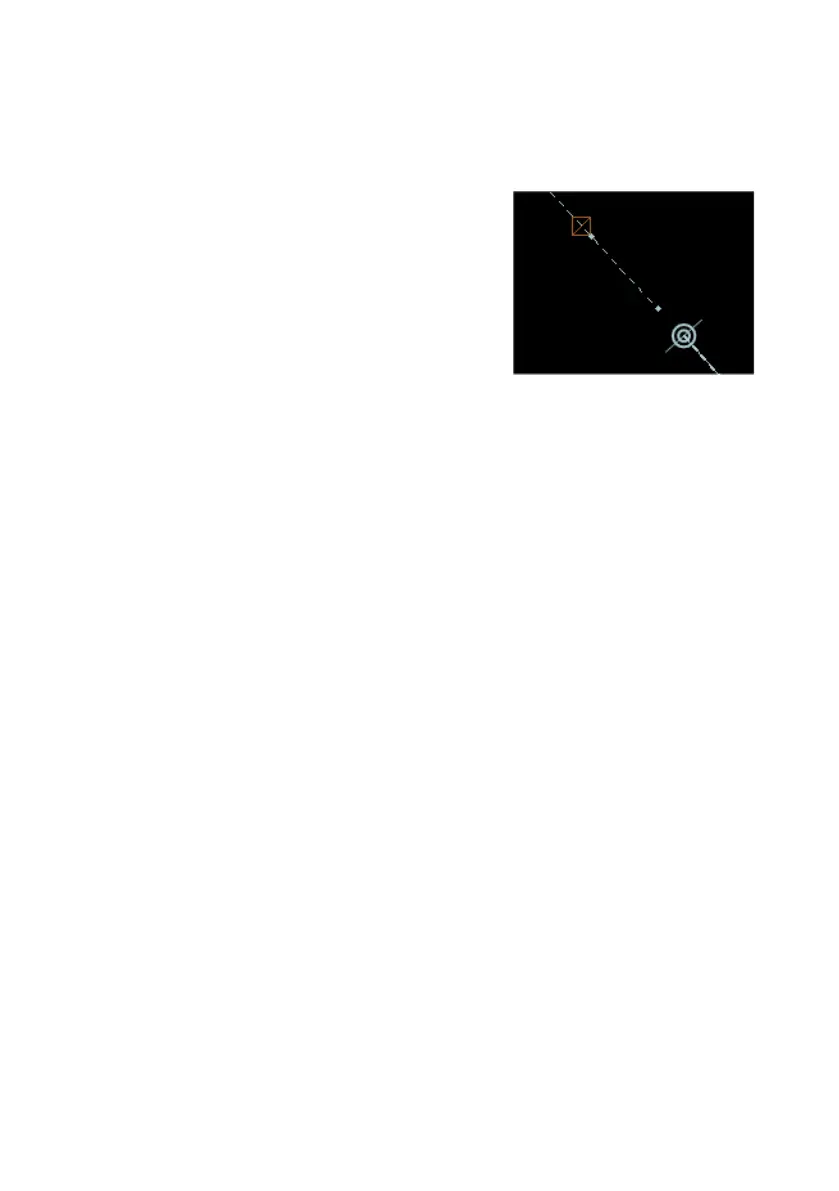
To generate an event click the Add Event
button. An orange outline box with a diagonal
line through it is shown on the history track at
the current CCRP position.
The display of events can be toggled on and off
by ticking the Display Events check box. When
an event is added to a history track the marker
will appear at its original position whenever
Display Events is switched on.



 To Next Page