ECDIS-E User Guide Basic Operation of ECDIS-E
65934012 3-41
Profiles
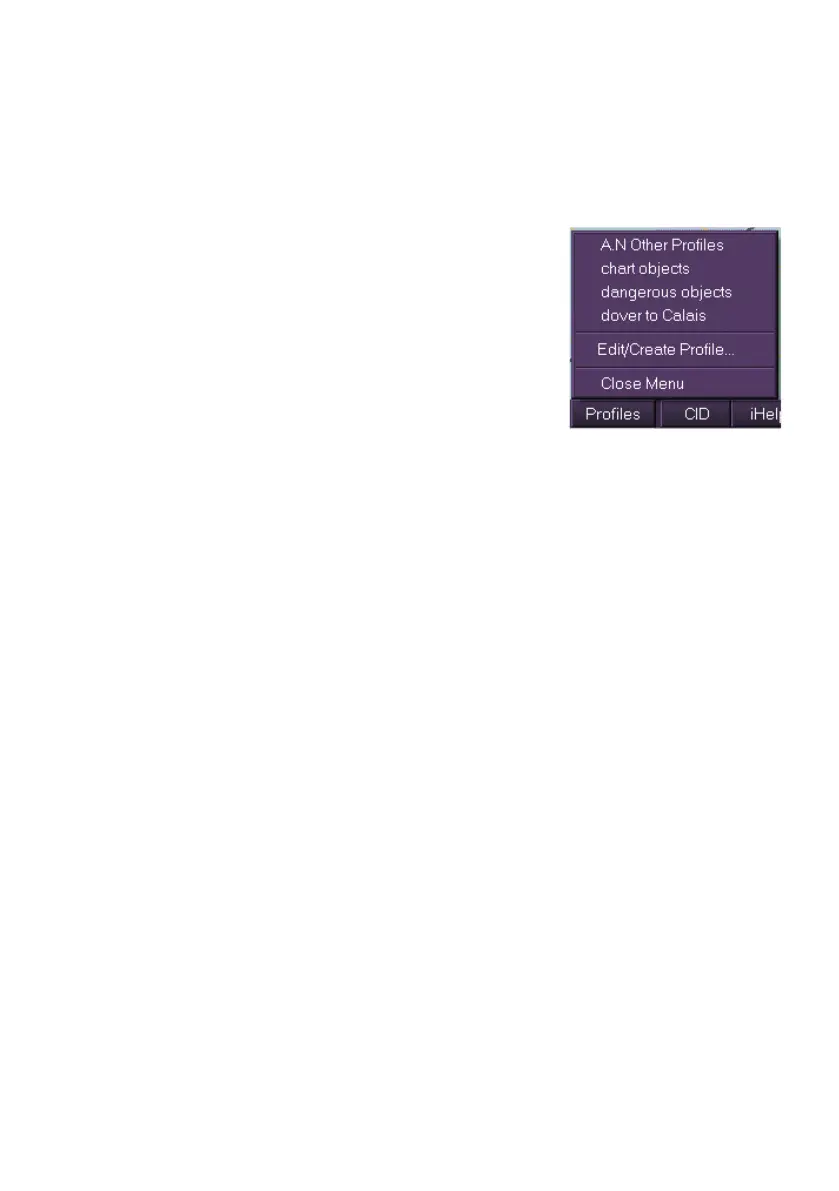
The Profiles button, located on the lower popup toolbar area, enables you
to apply previously created user profiles, which may contain specific chart,
route, and other display settings, to the currently enabled chart display.
To apply a profile left click on the Profiles button
and select the profile from the list at the top of the
fly out. When a profile has been applied a
temporary prompt appears confirming the
application.
To create or edit a user profile select Edit/Create
Profile.. from the fly out. The User Profiles sub
menu appears.
For information on creating and editing profiles see
User Profiles.



 To Next Page