ECDIS-E User Guide Sensor Management
65934012 6-11
To select an offset position on the chart display using the cursor:
1. Click on the Set Offset by Cursor button and move the cursor
over the chart display, the cursor changes to an offset arrow
graphic.
2. Click in the position on the chart display where you want the offset
to be applied. The range and bearing values selected on the chart
are shown in the Offset fields.
To apply the entered offset values to own ship tick the Offset Applied
check box.
Offset values are not applied to the chart until this check box is
ticked.
When offset values are applied the entry is highlighted in the Posn popup
window with Offset shown in orange text below the sensor source. Offset is
also displayed in the left corner of the lower toolbar area, below the sensor
source, see `Position’ in Chapter 3, Basic Operation of ECDIS-E.
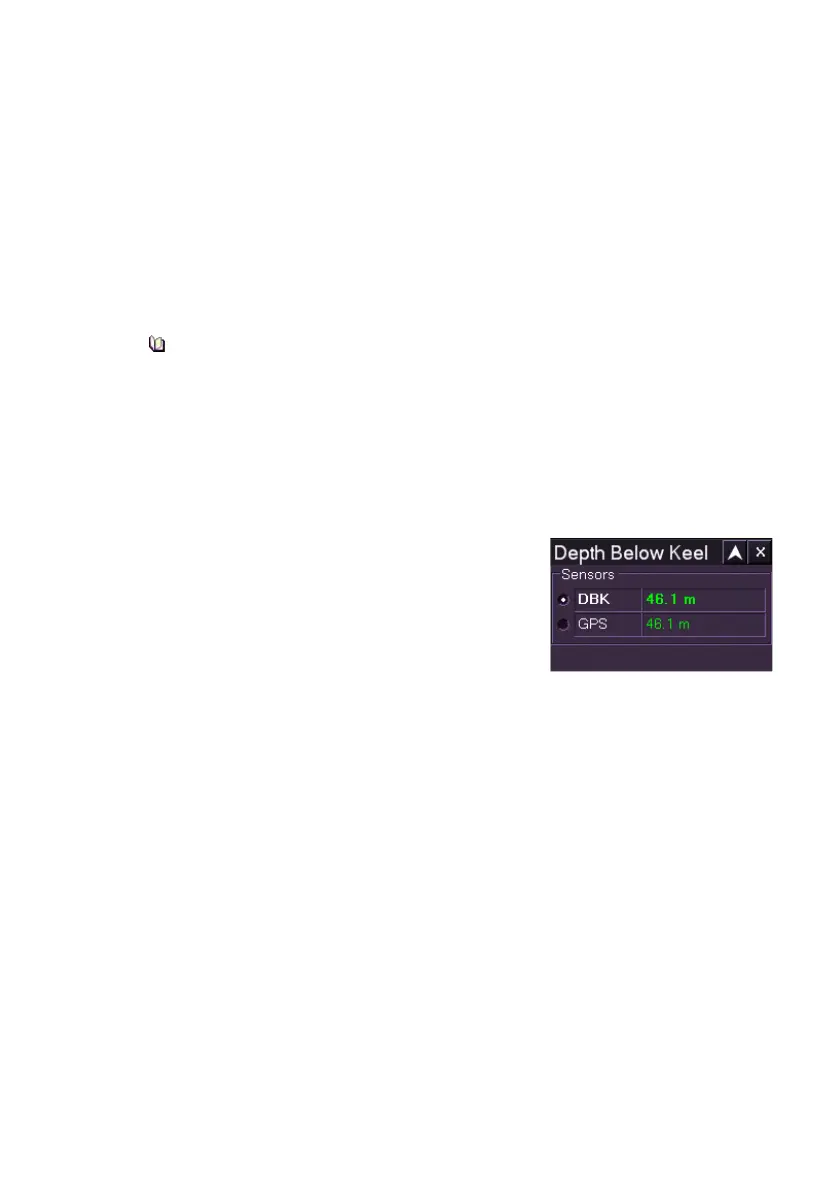
Depth Source Values
The Depth sensor provides information on the
current depth values:
• depth below keel (DBK)
• depth below transducer (DBT)
• depth below waterline (DBW)
The specific sensor information available will depend upon installed and
configured sensor devices.



 To Next Page