ECDIS-E User Guide Targets
65934012 9-37
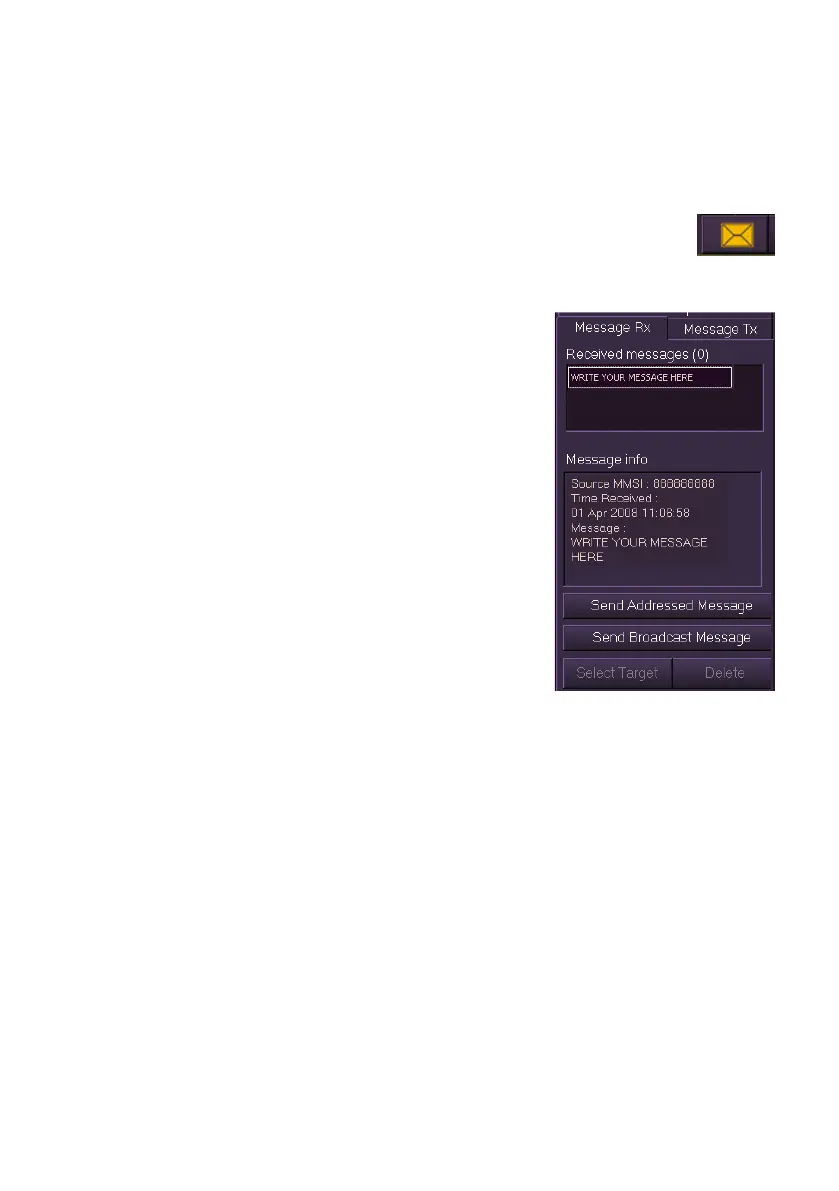
Message Rx
The Messages Rx tab folder displays messages that have been generated
from an external device. The messages may for example have been sent
from another ship in the area.
AIS messages are used to convey to the operator information that
requires attention. When a message has been received the
Message icon is displayed in amber, an audible indicator is given and the
message is shown in the Messages Rx tab.
Left click to view information on the message.
The MMSI number of the vessel that sent the
message, the time the message was received
and the message detail are displayed in the
Message Info window. When all messages have
been selected the message icon returns to the
standard system colour.
The function buttons at the bottom of the
Message Rx tab folder work in the same way as
described for Message Tx.



 To Next Page