Charts ECDIS-E User Guide
4-16 65934012
Chart Copy
The Chart Copy feature allows you to copy charts from one node to another
node.
Chart copy operations can be performed while the VisionMaster application
is running on all nodes, and charts will continue to be displayed during the
copy process.
When a copy operation is performed, the charts are placed in a staging
area on the remote node, separate from any charts already installed on that
node. After a copy operation has completed successfully, the node needs
to be restarted to activate the copied charts.
A C-Map database must be initially installed and registered locally
at each node before Chart Copy for C-Map charts is started.
To copy a chart database to other nodes, do the following:
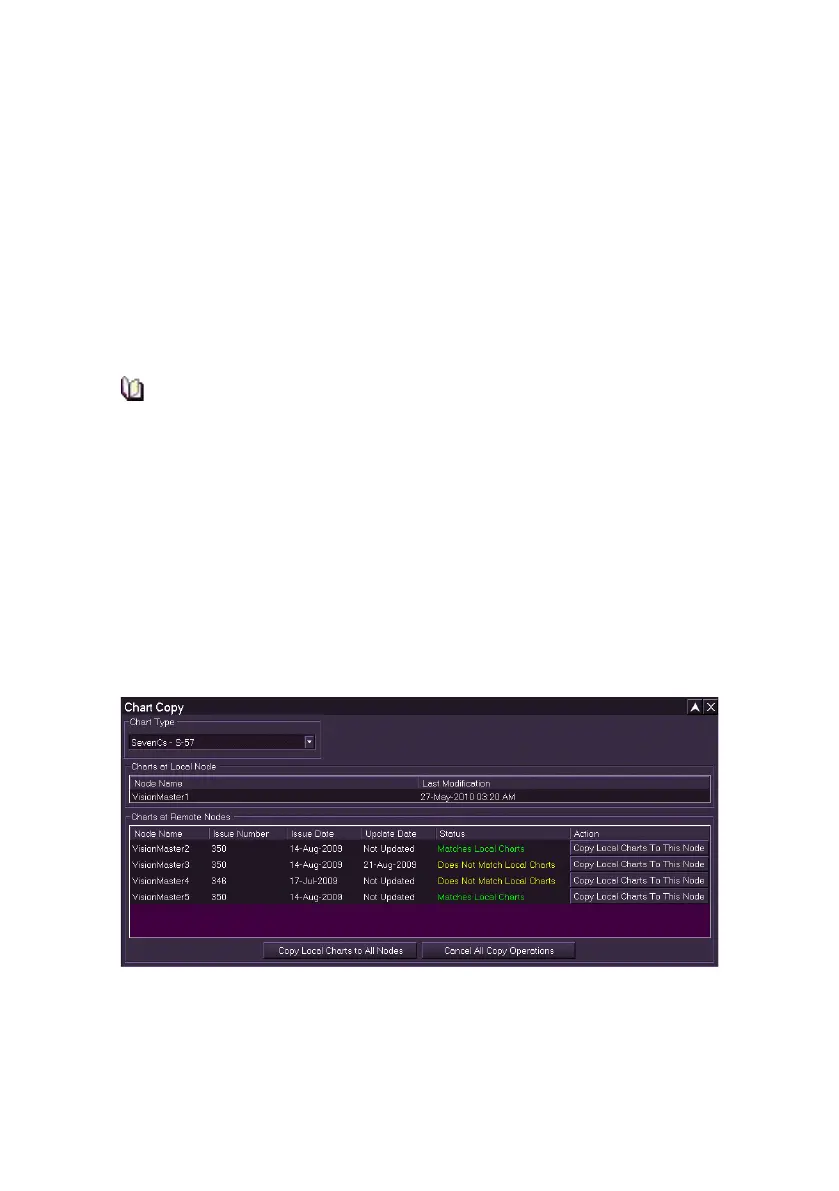
1. To select the chart type to be copied click on the Chart Copy
button. The subsequent screen enables the chart type to be
selected from a drop down list.
The Charts at Local Node area provides information about locally installed
charts for the selected chart type. The information provided depends on the
chart type. For S-57, ARCS, or VPF charts a Last Modification date and
time is provided to indicate when the charts were last updated. For C-Map
charts, an Issue Number, Issue Date, and Update Date are provided ,
see below .



 To Next Page