ECDIS-E User Guide Charts
65934012 4-15
To access the ChartHandler do the following:
1. From Chart Installation click the ARCS/ENC button (depending
which charts are configured this button may be labelled differently).
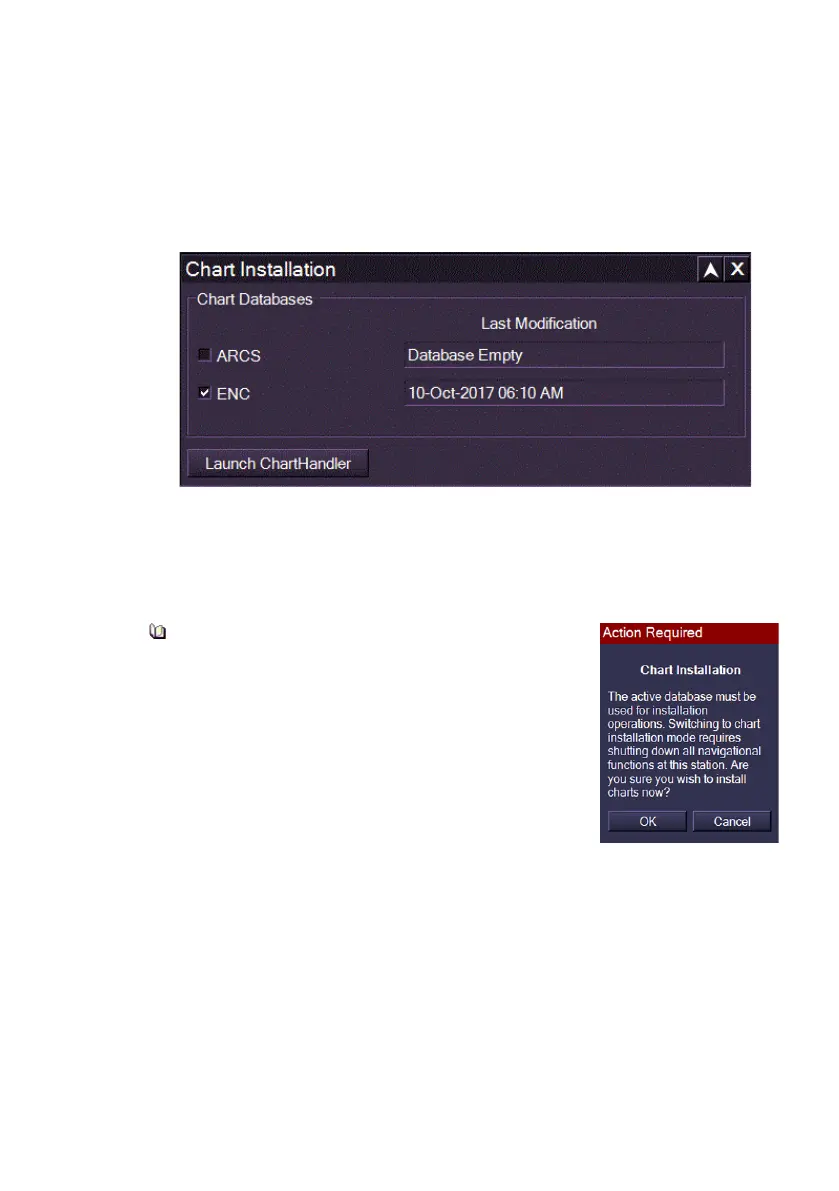
A Chart Installation window appears showing the chart databases
available for import and the last modification made to the chart
databases, see below.
The Chart Installation window allows initial selection of the format that will
be installed (ARCS or ENC).
2. To select a chart database tick the check box and click the Launch
ChartHandler button.
An Action Required window will appear to
advise that the active database must be
used for installation. It will also advise that
opening ChartHandler will close the VMFT
program and shut down all navigational
functions.
Click OK to confirm to start ChartHandler. The
system will immediately close down. Then a
Starting ChartHandler progress bar appears, after
which the ChartHandler application opens,
For full information regarding the installation of SevenCs charts, see
Appendix A, `Chart Installation', `Installing Charts using the ChartHandler’.



 To Next Page