Conning Information Display ECDIS-E User Guide
12-4 65934012
HUD Widgets
Heads Up Display (HUD) objects are CID widgets that may be viewed in
the chart display area. They are generally used during docking and other
low-speed manoeuvring operations to aid navigation by indicating the
status of particular sensors. All HUD widgets are displayed as semi-
transparent objects.
HUD widgets are only displayed in the primary chart area.
Objects such as targets, route waypoints, mariner
objects and other synthetics that appear under a
HUD widget are selectable without moving the
widget.
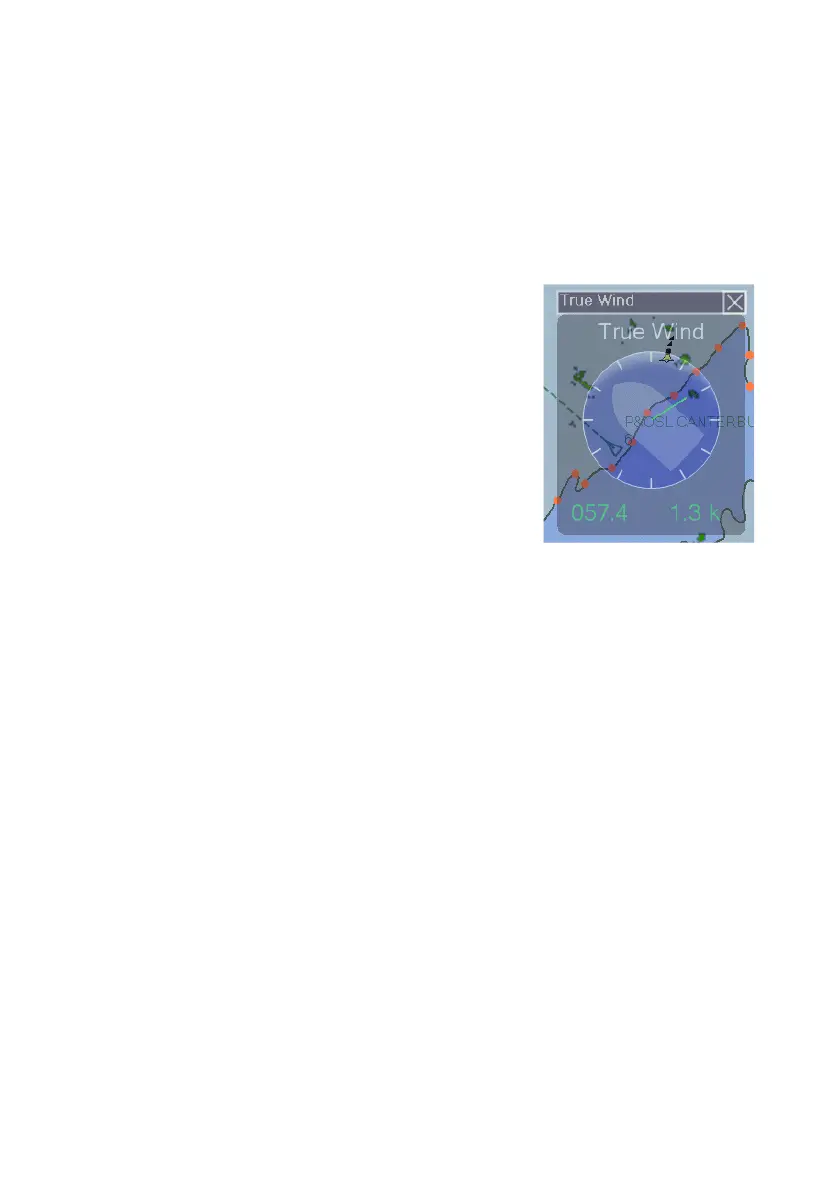
The following HUD widgets are available from the
CID button as default:
True Wind - displays true wind angle, the
true wind angle readout, and the true wind
speed readout.
Relative Wind - displays relative wind
angle, the relative wind angle readout, and
the relative wind speed readout.
Rudder - displays the rudder angle and port/starboard direction.
Bow Thrusters - each bow thruster displays the percentage of
thrust and the port/starboard direction.
Azipod - displays the angle of the azipod
Up to six HUD widgets, created in the CID Designer (see Chapter 5,
Appendix A in the ECDIS-E Ship's Manual 65934011) may be displayed
concurrently and moved around the chart area.



 To Next Page