Targets ECDIS-E User Guide
9-22 65934012
Auto Drop Targets
The operator can enable an Auto-drop mode in which individual AIS or
tracked targets deemed not to be a threat to own ship are automatically
dropped by the tracker (or set to sleeping for AIS) without an alarm being
raised.
The system default for Auto-drop mode is enabled and the setting stored
when altered and restored at power on.
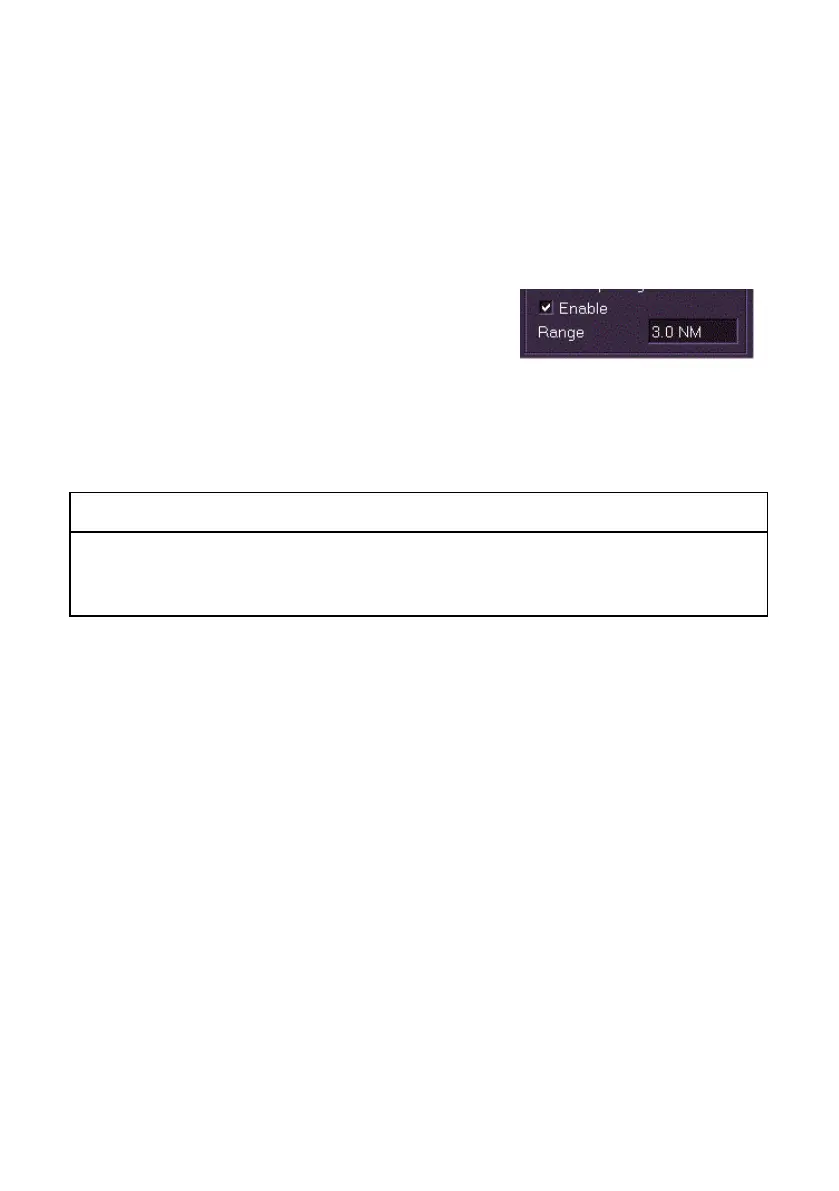
The Auto drop range can also be adjusted
between 3 NM and 99 NM. Reducing the auto
drop range from the default of 10 NM enables
the system to drop targets of less navigational
significance more quickly than the default 10 NM auto drop.
1. To enable Auto Drop tick the Enable check box.
2. To change the auto drop range click in the Range field and move
the trackball left (to decrease) or right (to increase).
WARNING!
IT IS IMPORTANT TO NOTE THAT THE SELECTED AUTO DROP
RANGE VALUE NEEDS TO BE CONSISTENT WITH MAINTAINING
APPROPRIATE ANTI-COLLISION AND SITUATIONAL AWARENESS.
Tracked targets are dropped automatically if they meet all of the following
criteria:
The target is not in an auto-Activation zone.
The target is not currently selected for display in the Target tote.
It does not infringe the CPA/TCPA or BCR/BCT alarm criteria.
It is fully established, i.e. it has a motion trend vector displayed.
The TCPA is more than 3 minutes ago.
The target is astern of own ship.
The target’s range is more than the defined auto drop range from
own ship.



 To Next Page