ECDIS-E User Guide Navigation Tools
65934012 5-11
Clearing Lines
Clearing lines are bearing lines or range lines
used to approximate a position where a danger to
own ship lies.
The clearing line bearing or range value is used
to navigate around the dangerous area such that
the mariner would want ownship to remain no
less than or no greater than the range or bearing
of the clearing lines.
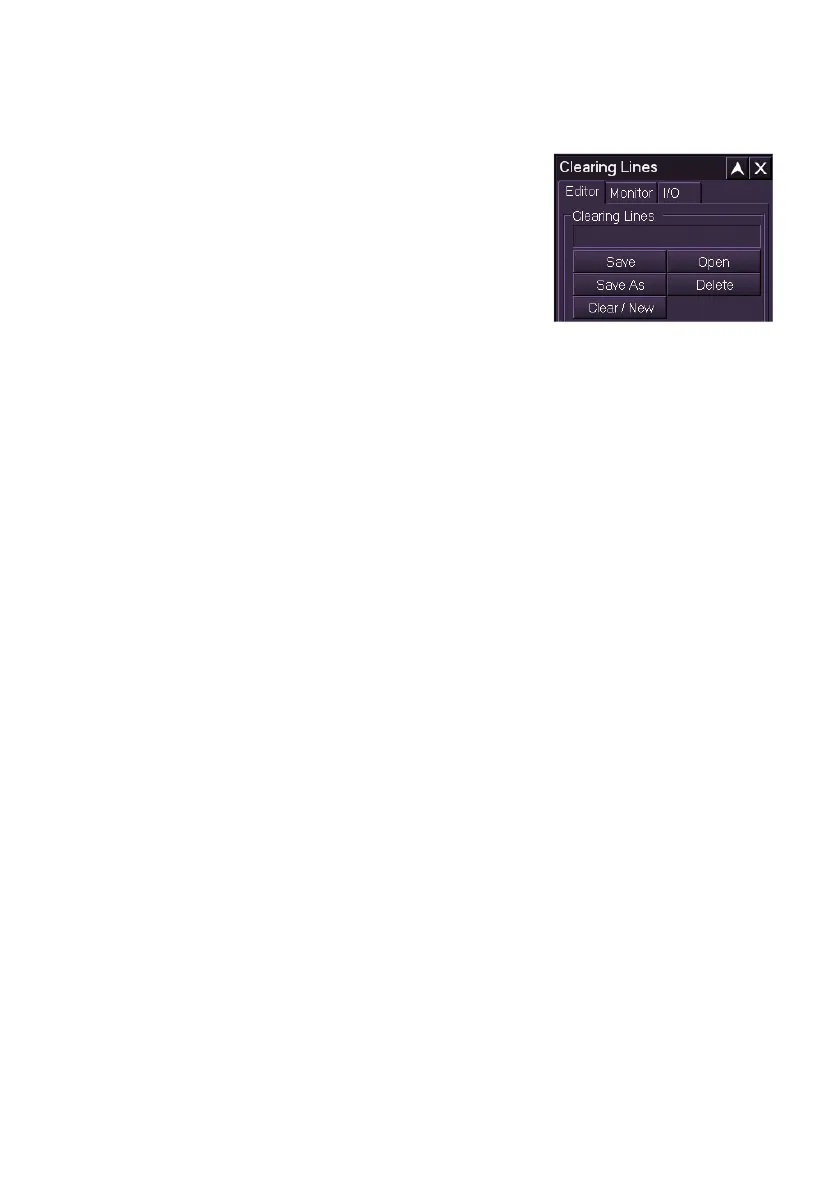
The Clearing Lines sub menu includes the following tab folders:
Editor
Monitor
I/O
The Editor tab enables you to create, save, open, edit and delete one or
more sets of clearing lines.
The Monitor tab enables you to select a previously saved set of clearing
lines for monitoring against own ship's course.
The I/O tab enables you to import or export sets of clearing lines to and
from an external device such as a USB memory stick.
Editing Clearing Lines
There are two types of Clearing Line available:
Bearing Line
Range Line
Bearing lines are drawn as a single solid line with an arrowhead towards
the line's bearing. Range lines are drawn as a single arc with arrowheads
on both the start point and end point of the arc line.
The clearing line bearing or range value is shown in the same colour
beneath the line. The clearing line may also include a label defined by the
operator.
A clearing line may be selected as a Not More Than (NMT) or Not Less
Than (NLT) value. For example, in the figure below the mariner would want
to keep the ship's bearing no less than 294.2° and no more than 315.2° to
stay in safe water.



 To Next Page