Charts ECDIS-E User Guide
4-40 65934012
Chart Legend
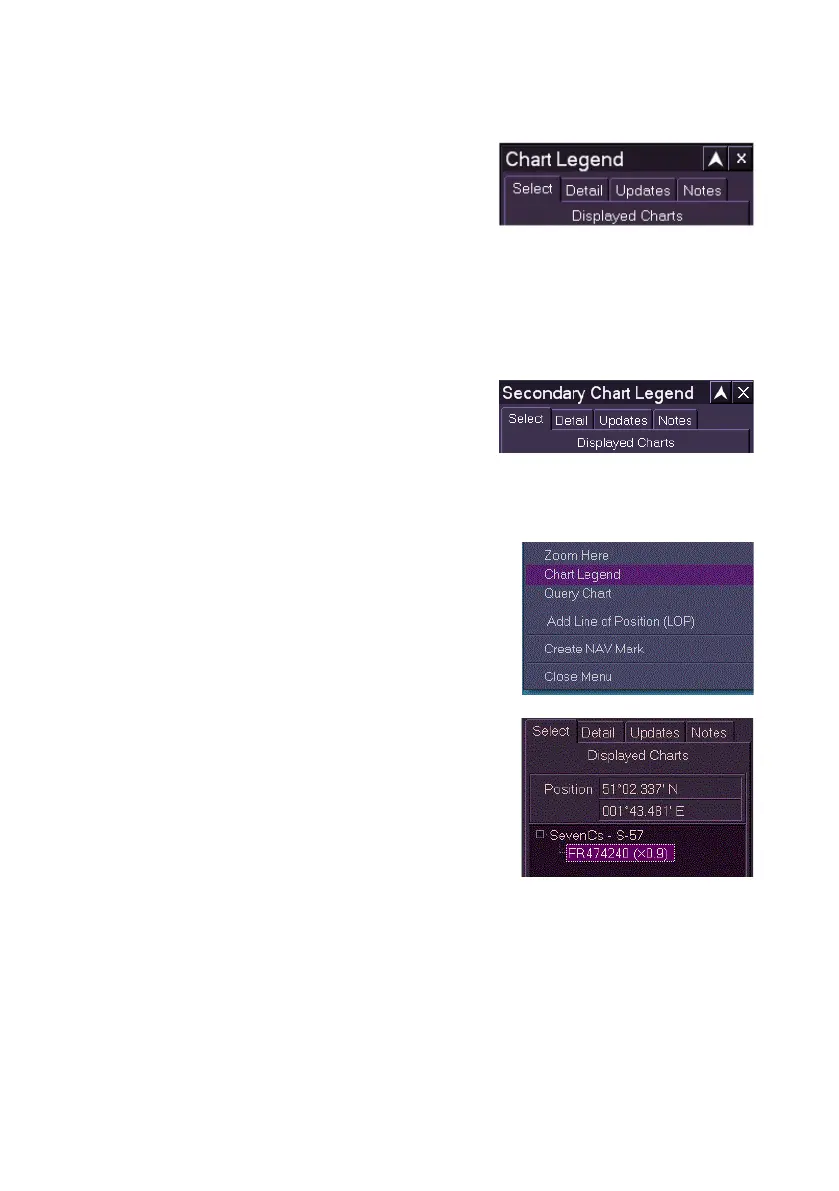
The Chart Legend sub menu enables you to
view read-only information on every chart
currently visible on the screen.
The Chart Legend window is divided into four
tab folders:
Select
Detail
Updates
Notes
In addition to the main Chart Legend menu,
a further Secondary Chart Legend menu is
also available. This is available when using
split screen display or picture in picture display.
Chart Information at a Specific Point
The user can access chart legend information at
a specific point on the display by right clicking
and selecting Chart Legend from the
subsequent context menu.
When Chart Legend is accessed from the
context menu the Chart Legend Select folder
opens displaying the Latitude/Longitude position
of the selection and the specific chart at that
selected point under the currently loaded chart
engine.



 To Next Page