ECDIS-E User Guide Routes
65934012 8-1
Chapter 8 Routes
This section describes route editing, monitoring,
display and storage. The following topics are
covered.
A description of Routes.
Creating and editing routes graphically
on screen, see Creating a Route.
Editing a route from a menu, see Edit
Route.
Monitoring a validated route, see
Monitoring a Route.
Calculating the time, speed and
distance between waypoints on a monitored route, see ETA
Calculator
Specify the speed for a current leg and future legs on a monitored
route, see Route ETA
Specify an arrival time on a monitored route, the system then
calculates the speed required to achieve this arrival time, see
Required Speed.
Importing, exporting or backing up a route, see Importing and
Exporting a Route.
Displaying route information, see Route Display Settings.
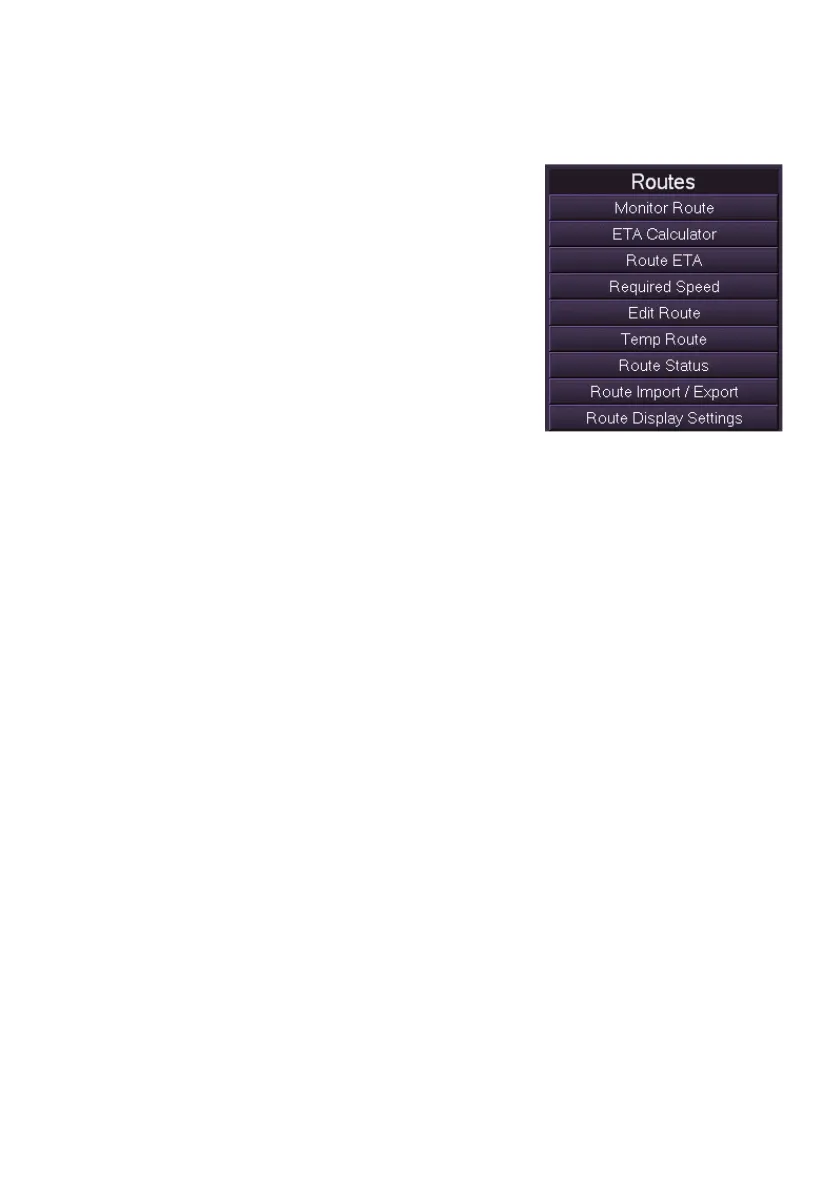
The Routes menu list includes the following:
Monitor Route
ETA Calculator
Route ETA
Required Speed
Edit Route
Temp Route
Route Status
File Import / Export
Route Display Settings



 To Next Page