ECDIS-E User Guide Appendix A - Chart Installation
65934012 A-15
Closing the C-Map Installer
The correct method of closing the C-Map Installer when all C-Map related
installation tasks are complete is to perform a soft restart of the VMFT
node.
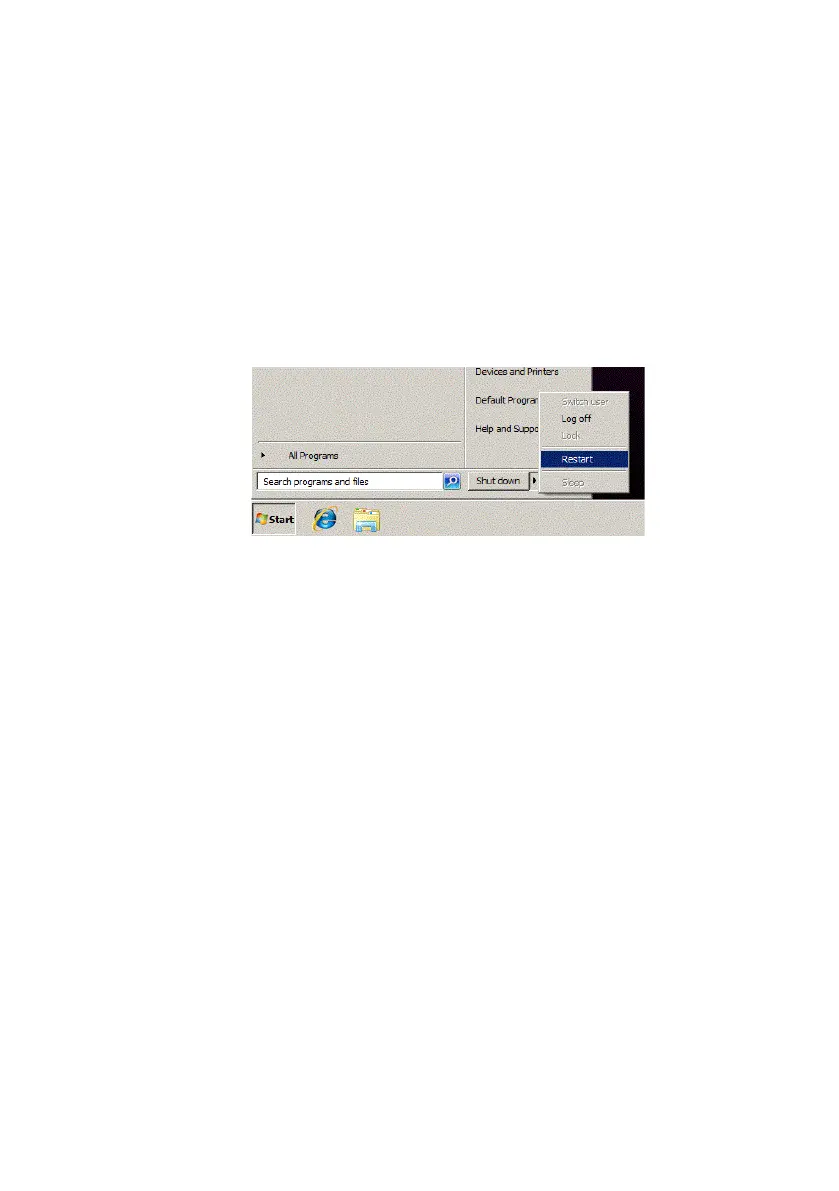
To restart the VMFT node:
1. Navigate to the lower left of the Service screen and click the Start
button.
2. From the subsequent window click on the forward arrow to the right
of the Shut down button and select Restart, see below.
The node will close down and then automatically restart the VMFT system.



 To Next Page