ECDIS-E User Guide Targets
65934012 9-11
Selected Target Functions
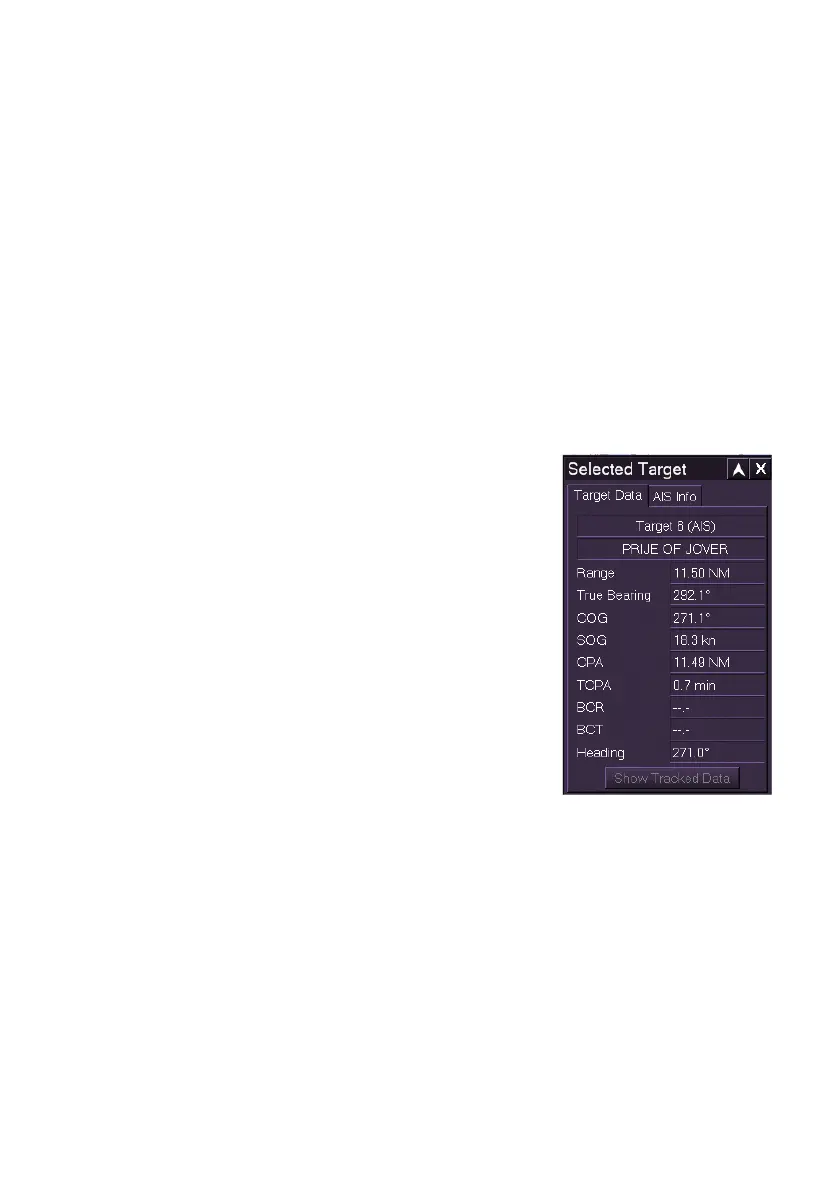
Selected Target
The Selected Target sub menu enables real time data on a selected target
to be displayed. The Selected Target window will appear on the chart
display when a target is selected to be tracked.
The Selected Target sub menu divides into the following tab folders:
Target Data
AIS Info
Targets are identified by number, name or both, depending on the
identification parameters selected in Target Display.
Target Data
The Target Data tab folder shows the following
tracking data on a selected target:
Target identification number and name (if
assigned)
Range - the distance of the target from
own ship's CCRP.
True Bearing - the true bearing of the
target from own ship's CCRP.
CPA -the CPA of the target from own
ship's CCRP
TCPA - the TCPA of the target from own
ship's CCRP
BCR - the BCR of the target from own
ship's bow.
BCT - the BCT of the target from own ship's bow.
Heading - target's current heading bearing
If the system is in water stabilised mode the following two fields are shown:
CTW - the true CTW of target
STW - the true STW of target



 To Next Page