Charts ECDIS-E User Guide
4-46 65934012
Notes
The Notes tab in the Legend sub menu is a
raster chart specific feature. It is used to
browse specific data on the raster chart
currently being viewed.
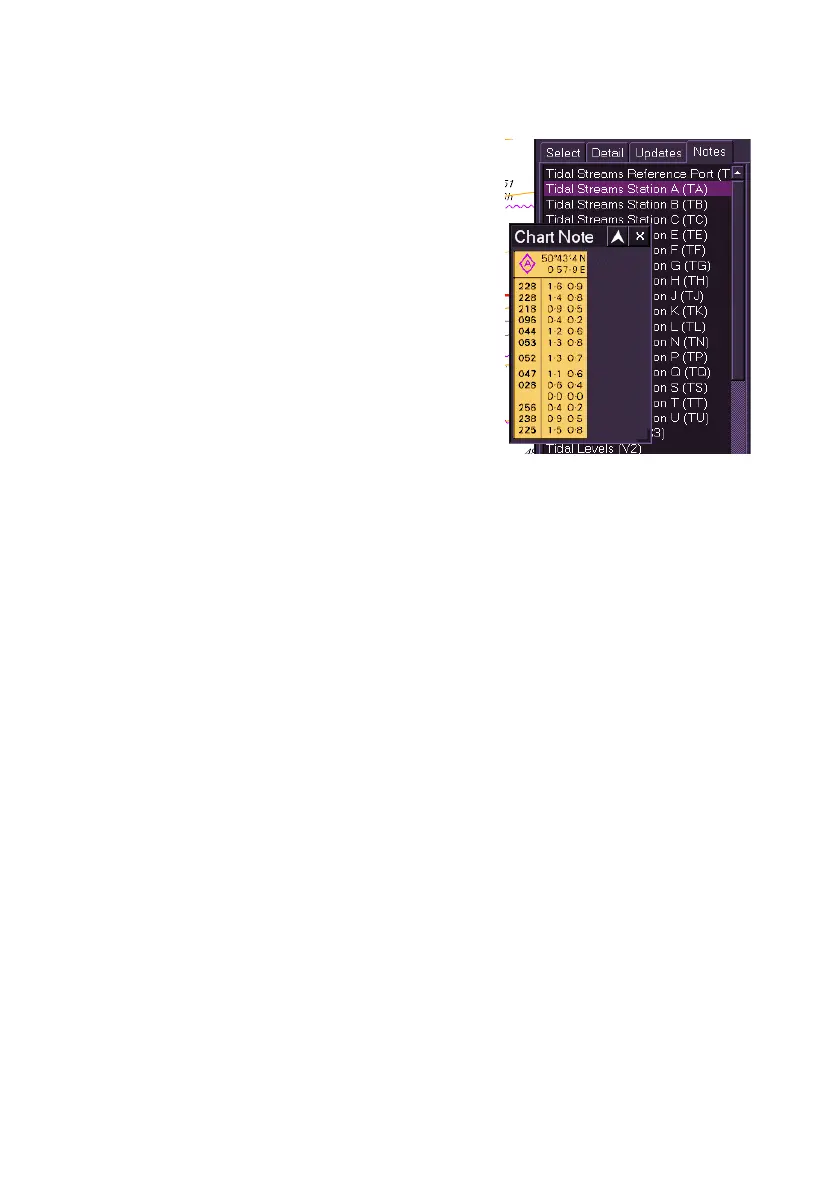
With a raster chart displayed, click on the
Notes tab, a list of data relevant to the chart
is shown.
To view the specific data on each note (for
example, information from a tidal streams
station) click on the item in the list. A popup
Chart Note window appears displaying
details on the selected note.



 To Next Page