System ECDIS-E User Guide
13-20 65934012
Connection Status
Connection Status on a Dual-Node System
The Connection Status folder determines the connection of each node on a
dual-node system.
The connection state for both nodes is shown as a table in the Connection
Status tab folder. If a node is connected to the network the Status column
is shown as a green bar adjacent to the node.
If a node is switched off, or disconnected from the network, the Status bar
adjacent to the node is displayed in yellowish-orange.
When the node is switched on or reconnected its status bar changes to
green.
CAUTION:
The table shows the node connection status from the point of view of
the node accessed, and therefore may not be a true indication of the
current status. For example, if connection status is accessed from a
node that is disconnected the table will show the other nodes with red
status, even though these nodes may well have a valid connection.
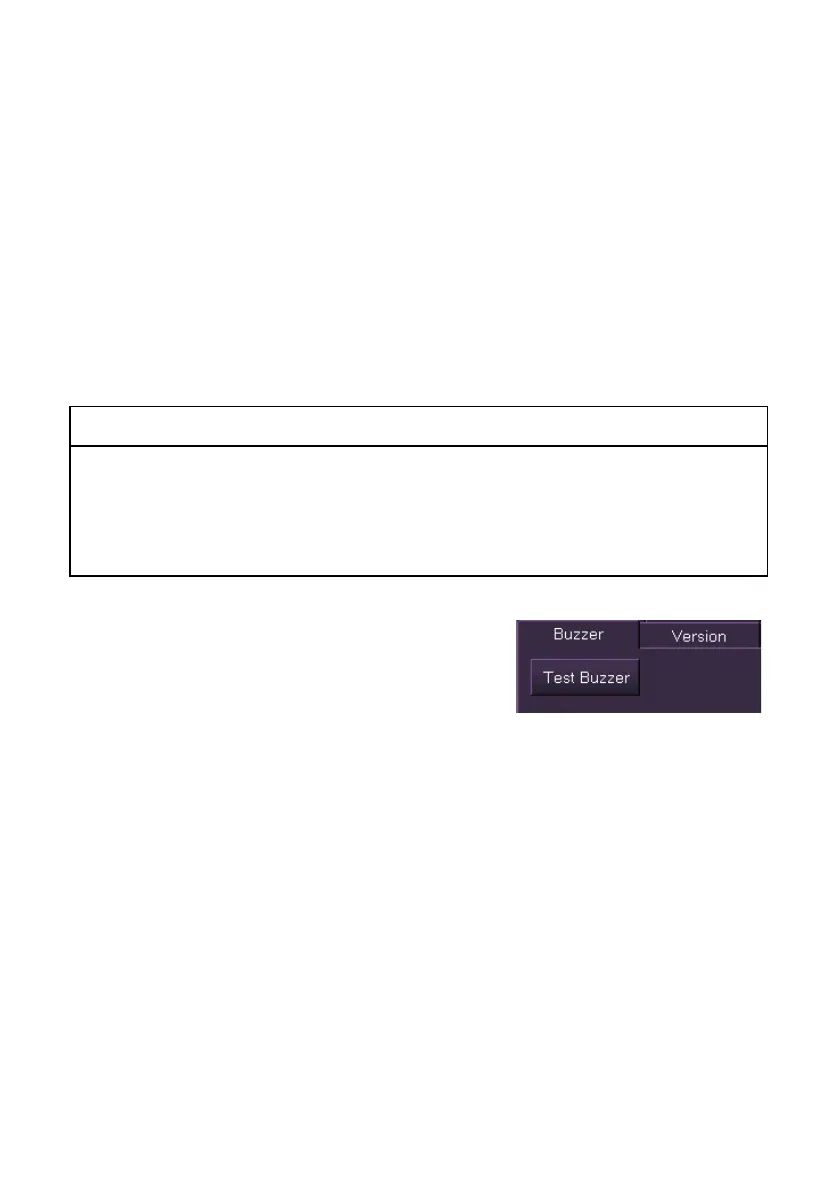
Buzzer
The Buzzer folder enables the user to test the
operation of the buzzer, (the buzzer is located in
the Console Monitor).
To test click on the Test Buzzer button. The
alarm buzzer should sound.



 To Next Page