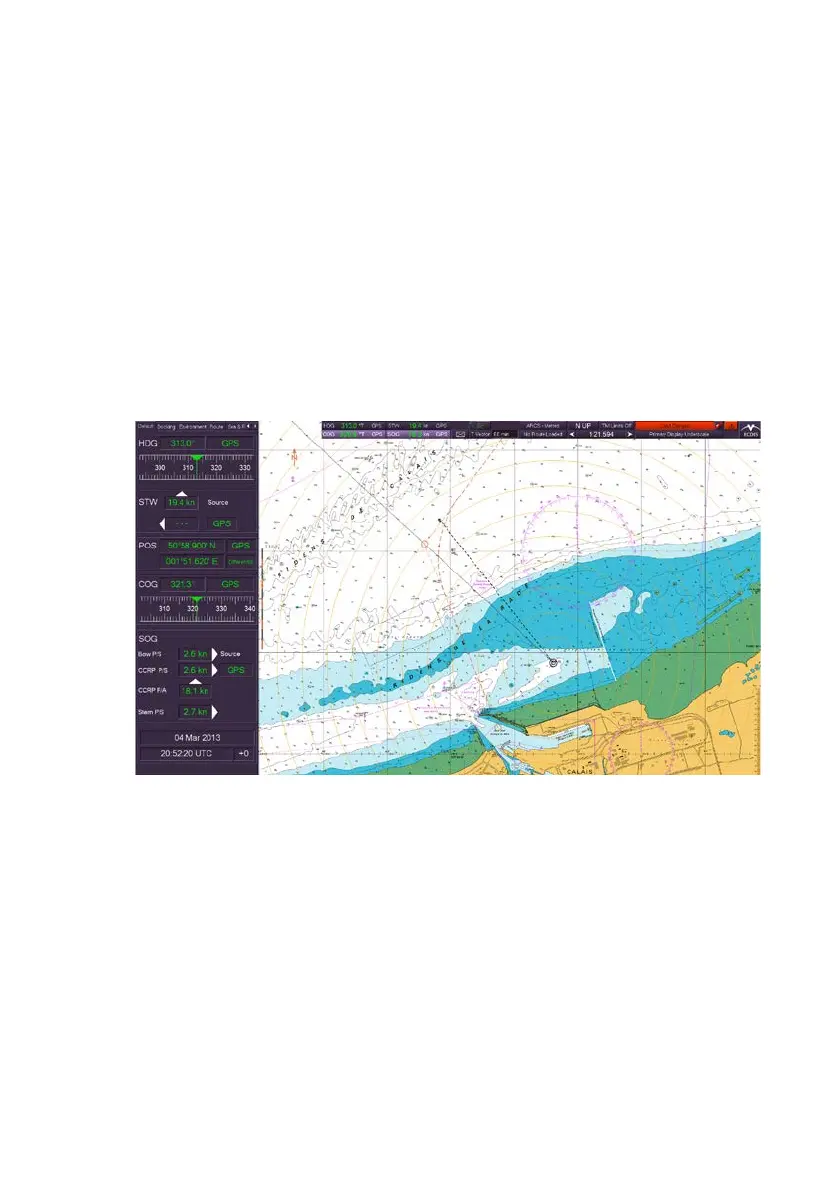
ECDIS-E User Guide Charts
65934012 4-7
Using Raster Charts
Description
Raster-format charts are produced by scanning paper nautical charts, with
the chart images then stored as electronic files. Multiple charts are
generally distributed on a single CD-ROM, with each disk representing a
chart volume, covering a large geographic area. Each individual chart
within a chart volume is identified separately by name.
Since a raster chart is based on an image of a paper chart, the electronic
version of the chart shows all information, such as buoys, lighthouses, and
pilot stations, that appear on the paper chart. Because the chart is not
based on an underlying database, individual chart features cannot be
turned on and off.
Selecting Raster Charts
The selection of raster charts is available from the Chart button on the
upper toolbar, providing raster charts have been configured in the
Configuration tool (see Chapter 1, `Configuration' in Volume 2 of the
VisionMaster FT Ship's Manual) and a set of raster charts installed on the
system.
Raster charts are available as ARCS format under the SevenCs chart
engine. ARCS charts are installed via the ARCS/ENC button in the Chart
Tools menu which enables access to the SevenCs ChartHandler, see
Appendix A `Chart Installation’



 To Next Page