Charts ECDIS-E User Guide
4-8 65934012
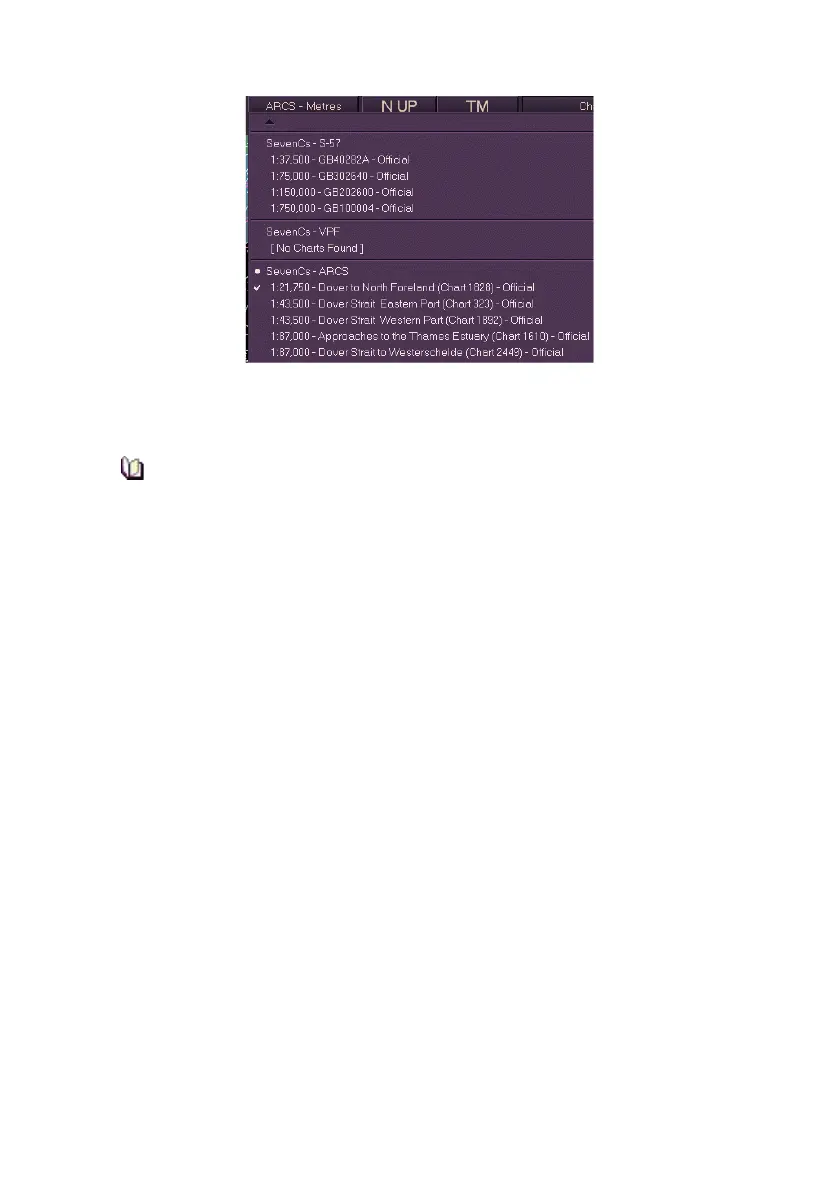
Listed below the SevenCs - ARCS database are all the available chart sets
within an area of own ship, or if own ship isn't on the display, the charts
available at the centre of the screen.
Installed charts will not be listed under their chart database if the
area covered by the charts is out of the display range.
Each chart is defined with a fixed scale ratio and a brief description of the
area the chart covers. When a raster chart is selected the chart is ticked on
the drop down list, the chart button shows the chart type and depth unit,
e.g. ARCS - Metres and the chart is displayed on screen.
Permanent prompts `Primary Display in RCDS mode' and `ENC Chart
Data Available at Ship' are displayed when raster charts are enabled.
The following functions are available when a raster chart is displayed:
Centre and MAX View
Off Centre, Pan and Goto
Chart Query
Manual Chart Update - Vector chart symbols may be superimposed
over a raster chart. These chart symbols may be edited and
queried in the same way as on vector charts.



 To Next Page