ECDIS-E User Guide Basic Operation of ECDIS-E
65934012 3-15
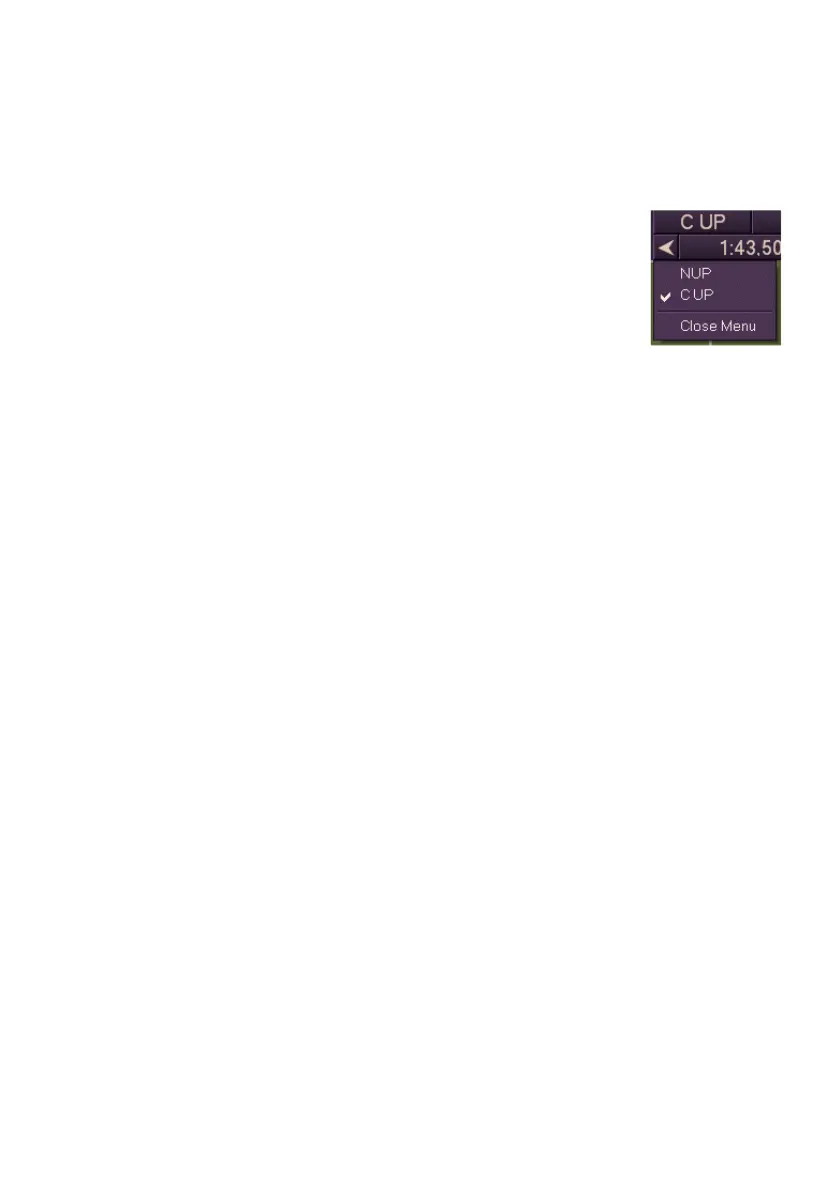
To change the presentation mode, do the following:
1. Click the presentation mode button. This will cycle through the
available choices for the presentation mode (N Up and C Up only).
Or:
1. Right click on the presentation mode button. A list of
available presentation modes will be shown in a
drop down menu with the currently selected
presentation mode ticked.
Presentation Mode dictated by Raster Charts
If raster charts are being displayed the presentation mode is dictated by the
orientation of the currently loaded chart. If the displayed chart is a north
oriented raster chart then North Up will be the only available presentation
mode. If the raster chart is not north oriented then Chart Up (CH UP) will be
the only presentation mode available.
The presentation mode will change automatically when the type of
displayed raster chart changes. This could be due to own ship sailing
across an area covered by more than one type of raster chart.
If the secondary window is displaying a vector chart then the vector chart is
displayed with the same orientation as the raster chart.
For more information on raster charts, refer to Using Raster Charts.



 To Next Page