Basic Operation of ECDIS-E ECDIS-E User Guide
3-36 65934012
centred in the chart display for both primary and secondary chart
windows.
When TM limits are reset own ship remains in the position
previously set when the box was resized. Click on the Centre
button in the lower toolbar to move CCRP to the centre of the chart
display.
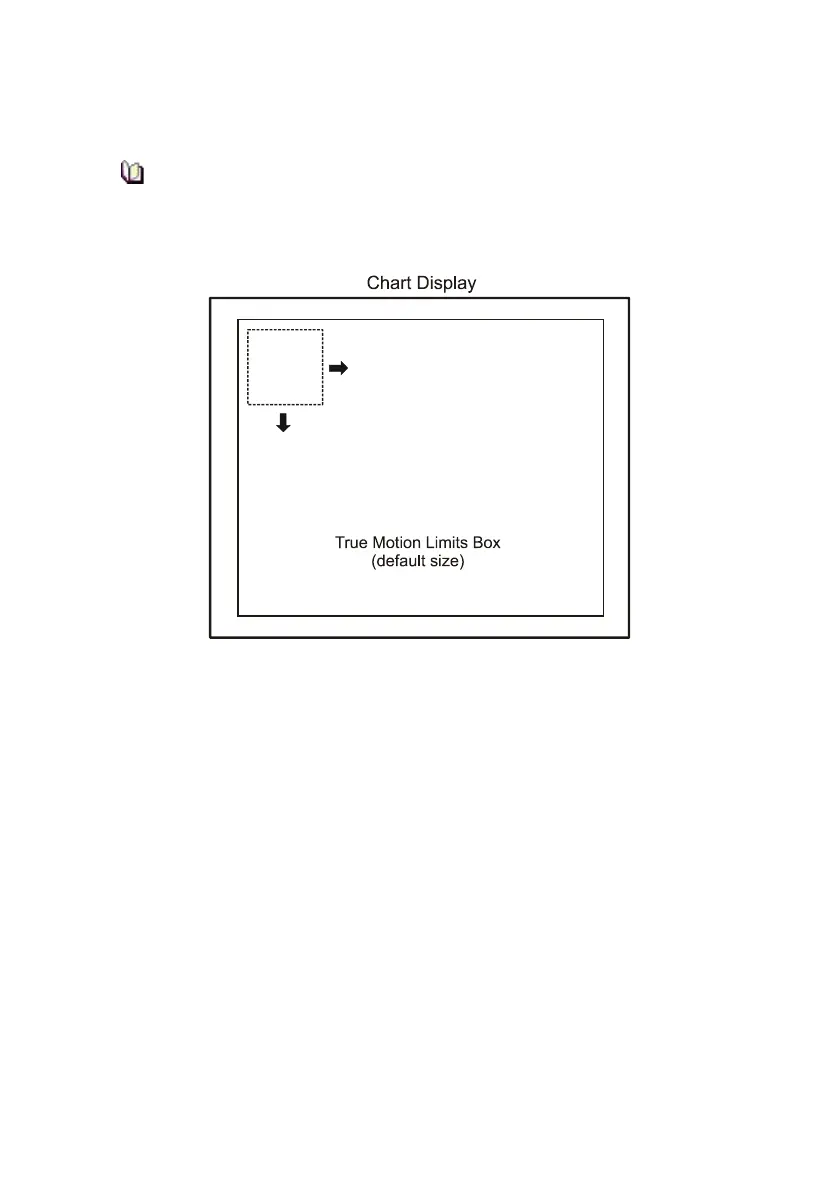
Re-sizing the TM Limits box
When the display is in secondary display mode the system automatically
adjusts the size of the TM limits boxes of the Primary and Secondary
displays, see figure below.



 To Next Page