Basic Operation of ECDIS-E ECDIS-E User Guide
3-14 65934012
Presentation Modes
The currently selected presentation mode is shown on the presentation
mode button. The following modes may be available for selection:
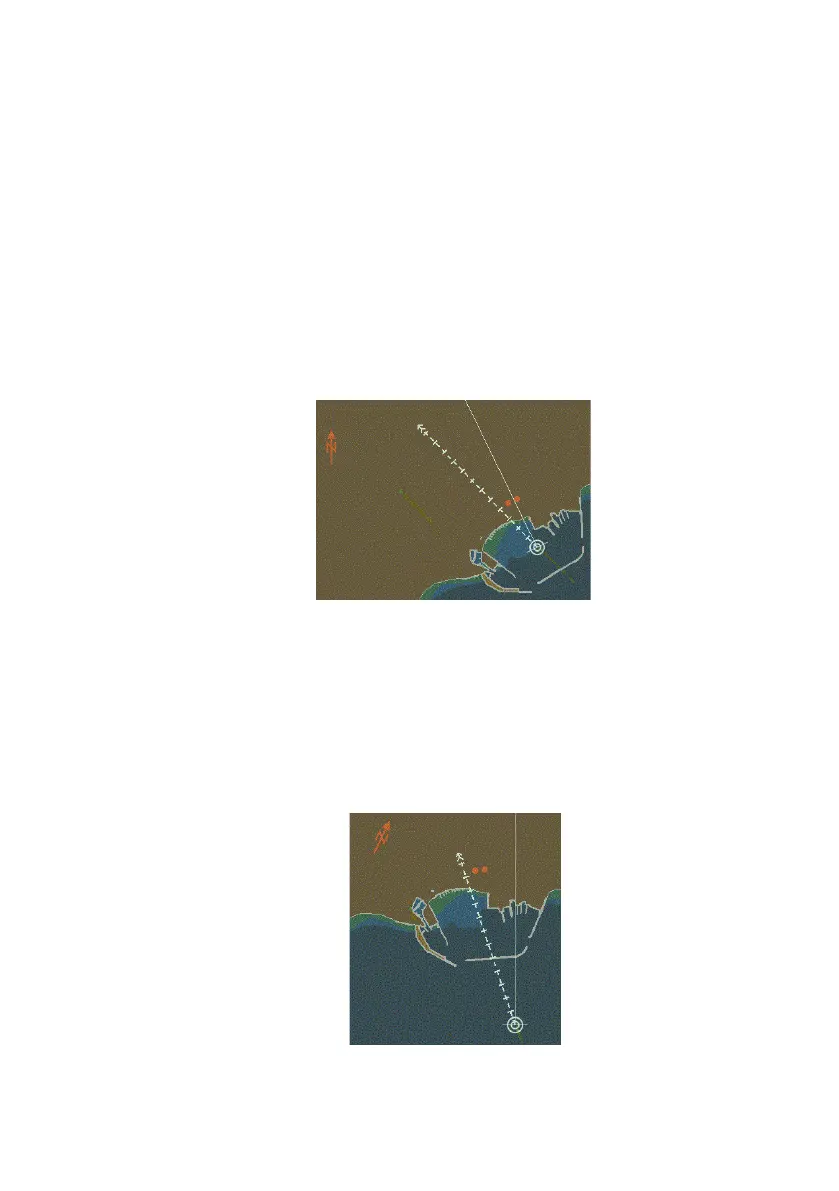
North-Up (N UP)
This is the power up default presentation mode for vector charts.
True north is at the top of the chart window with the North arrow
pointing vertically. The ship’s heading marker is shown at the
appropriate bearing.
North Up is the only presentation mode that can be selected when
a usable source of heading data is unavailable.
Course-Up (C UP)
On selection of Course-Up mode, the ship’s bearing at the time of
changing to course-up is shown at the top of the chart display with
the North arrow pointing in the direction of true north. A usable
source of heading data is required for Course Up mode.
In this mode the orientation of the display remains constant even
as the ship's heading changes.



 To Next Page