ECDIS-E User Guide Conning Information Display
65934012 12-1
Chapter 12 Conning Information Display
The widescreen VMFT ECDIS includes a
configurable side panel to the left of the display that
includes a number of pre-configured CID pages.
Conning Information Display (CID) pages, along
with semi-transparent HUD widgets, are also
available to be viewed as popup windows. These
are accessed from the CID button in the lower
toolbar.
A CID page is a collection of numeric and graphical
readouts (also known as CID elements) that display
various types of information useful to the operator
during navigation.
CID pages contain groups of information, and may include heading,
position, route and steering status, wind data, etc. The data presented on a
CID page varies depending on the purpose of that page.
The customising of all CID pages (both side panel and popup pages) and
HUD widgets are done via the CID Designer in the Configuration tool. The
layout and mix of readouts required on each page may also be customised
for a specific ship, depending on the physical characteristics of the ship
(e.g. number of engines, availability of sensors etc.).
CID Popup Windows
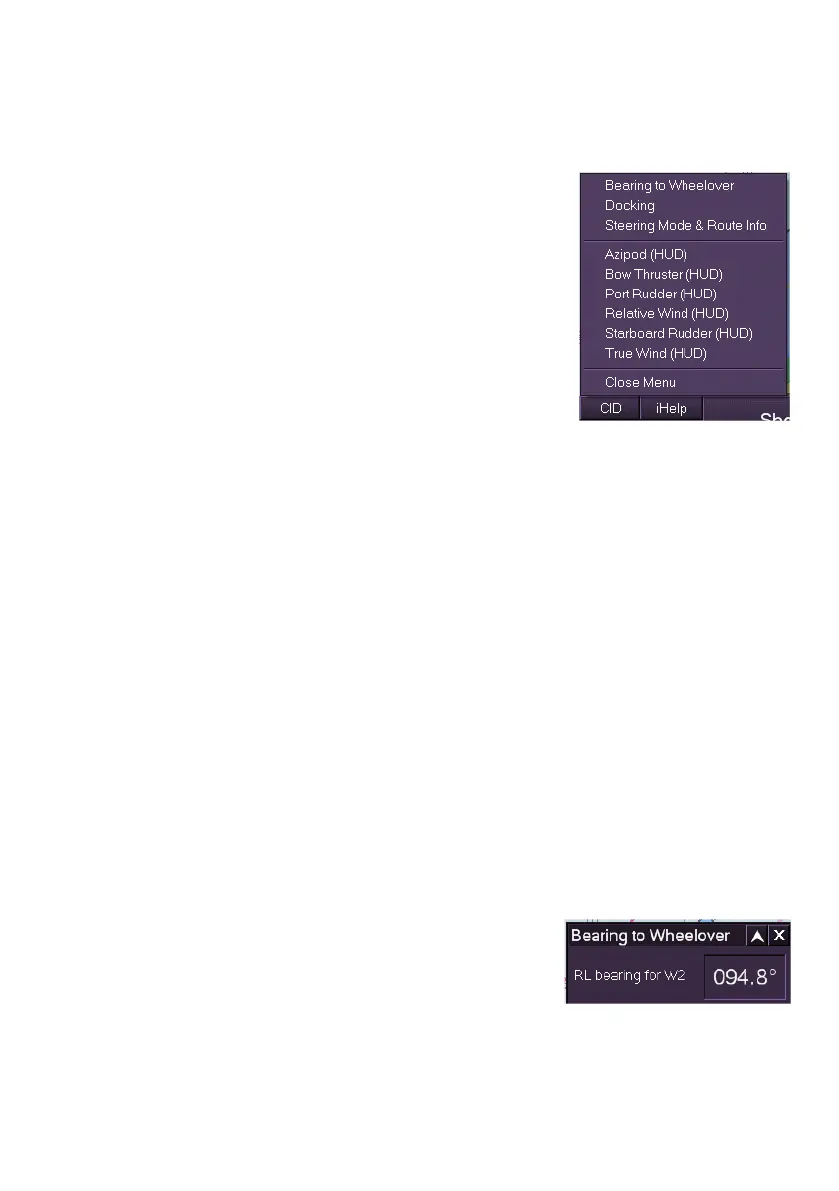
The following default CID popup windows are available from the CID button
in the lower toolbar.
Bearing to Wheelover
Docking
Steering Mode & Route Info
HUD Widgets
Bearing to Wheelover
The Bearing to Wheelover popup window shows
the rhumb line (RL) bearing to the next waypoint
on a monitored route.
If no route is being monitored asterisks are
shown in the bearing field.



 To Next Page