ECDIS-E User Guide System
65934012 13-5
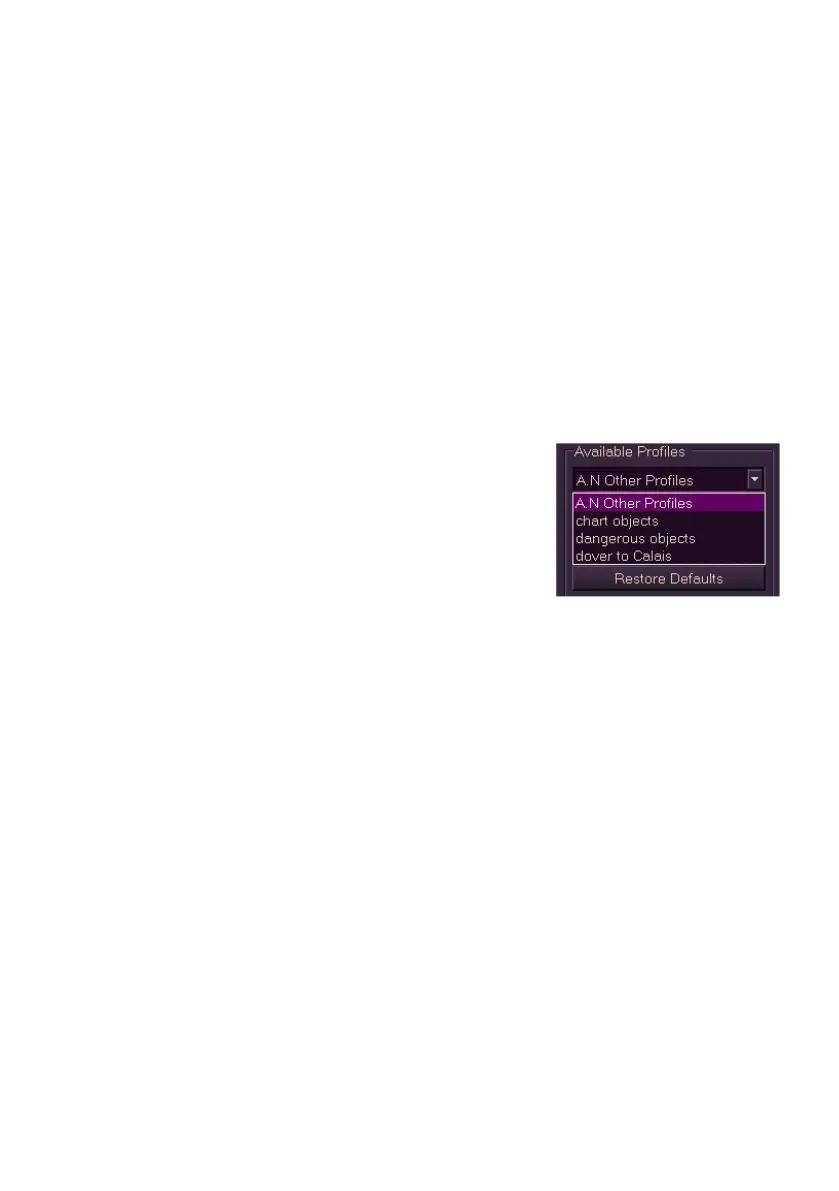
Available Profiles
Saved profiles in the Available Profiles list are viewed and edited in the
same way as described in View/Edit Profiles.
When a profile is applied, the system updates the corresponding features
with the setting values stored in the profile only on the node where the
profile was applied.
To apply a user profile do the following:
1. From the Profiles button in the lower toolbar:
a. Select the profile name from the popup list of previously created
and saved profiles. A temporary prompt appears confirming that
the profile has been applied.
2. From the User Profiles menu:
a. Select a previously created user
profile from the Available Profiles
drop down list.
b. Click the Apply button. A temporary
prompt appears confirming that the
profile has been applied.
To delete user profiles select the profile and
click the Delete button. When a profile is to be deleted the system prompts
to confirm, select OK to confirm the profile deletion
To restore all settings affected by a profile to their default values on an
individual node click the Restore Defaults button. If successful a
temporary prompt appears confirming default settings have been restored.



 To Next Page