ECDIS-E User Guide Charts
65934012 4-63
Display Chart Updates
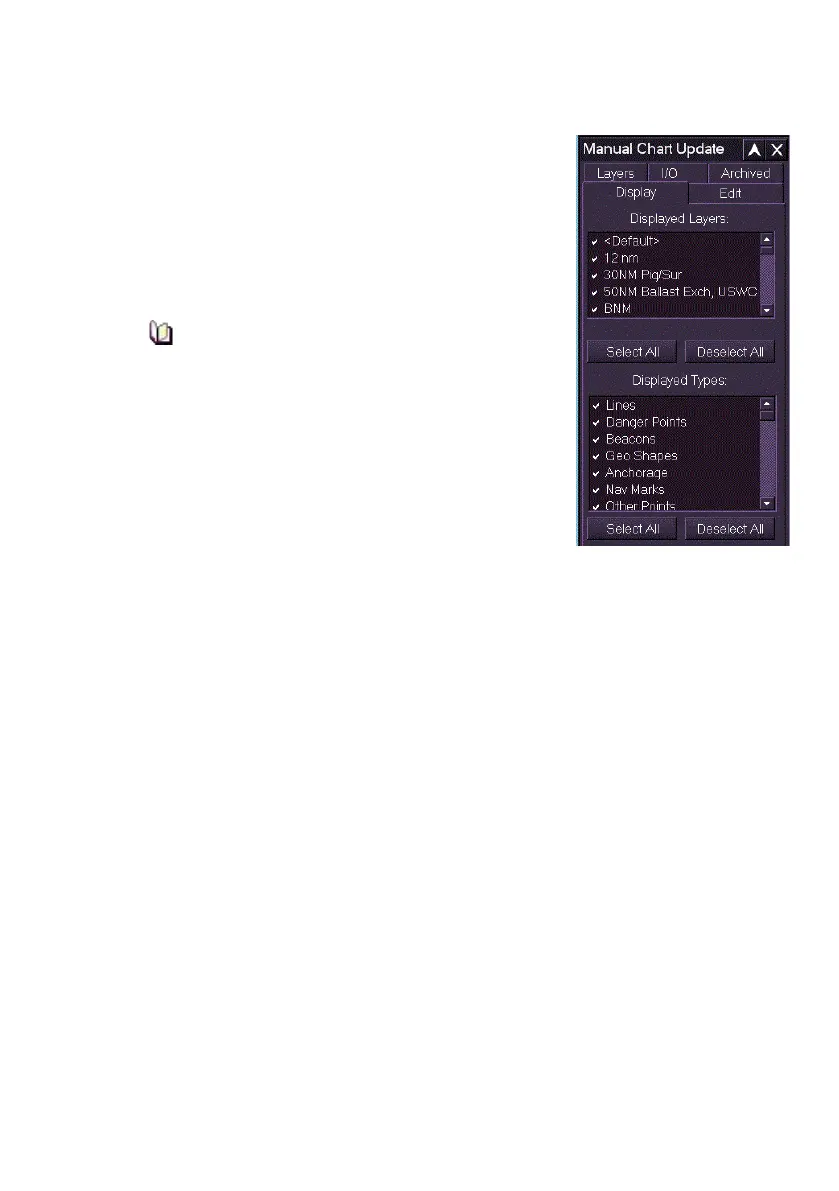
The Display tab enables you to select the layers
and object types to be displayed on the currently
enabled chart. Each layer and type currently
displayed will have their check box ticked.
The Displayed Layers area lists the default layer
and all the operator defined layers created in
Layers.
Objects that were not associated with a
created layer are automatically associated
with the Default layer.
The Displayed Types lists all the object types that
can be selected from the Type drop down list in the
Chart Update Creation window, see Create Chart
Update.
Manual Chart Updates will be displayed when the
corresponding check boxes are ticked, and in some
cases, when appropriate settings on the Chart Settings menu are ticked. To
suppress the display of a manual chart update for a particular layer or type
untick the respective check box.
To select all chart layers and types for display click the Select All buttons,
to deselect all for display click the Deselect All buttons.
For further detailed information regarding functionality, refer to Create
Chart Update section.



 To Next Page