Charts ECDIS-E User Guide
4-62 65934012
5. To change the object's position either:
a. Click in the LAT/LON fields and enter a position using the
keypad; Or:
b. move the cursor over the object, hold down the left key and
use the trackball to drag the object to the required position.
When editing a line or area object, select the specific point to be
edited by moving the cursor over the point and left clicking. The
currently selected point is distinguished by a red highlight circle.
6. If required, enter notes in the Notes and Labels tab using the
screen keypad.
7. If applicable, other editable fields such as Rotation, Time Label,
and Display Label will be available on this tab. Edit these values
by clicking in the desired field.
8. With all object editing complete click on the Done button. The chart
object is updated.
Deleting a Chart Update
To delete a chart update do the following:
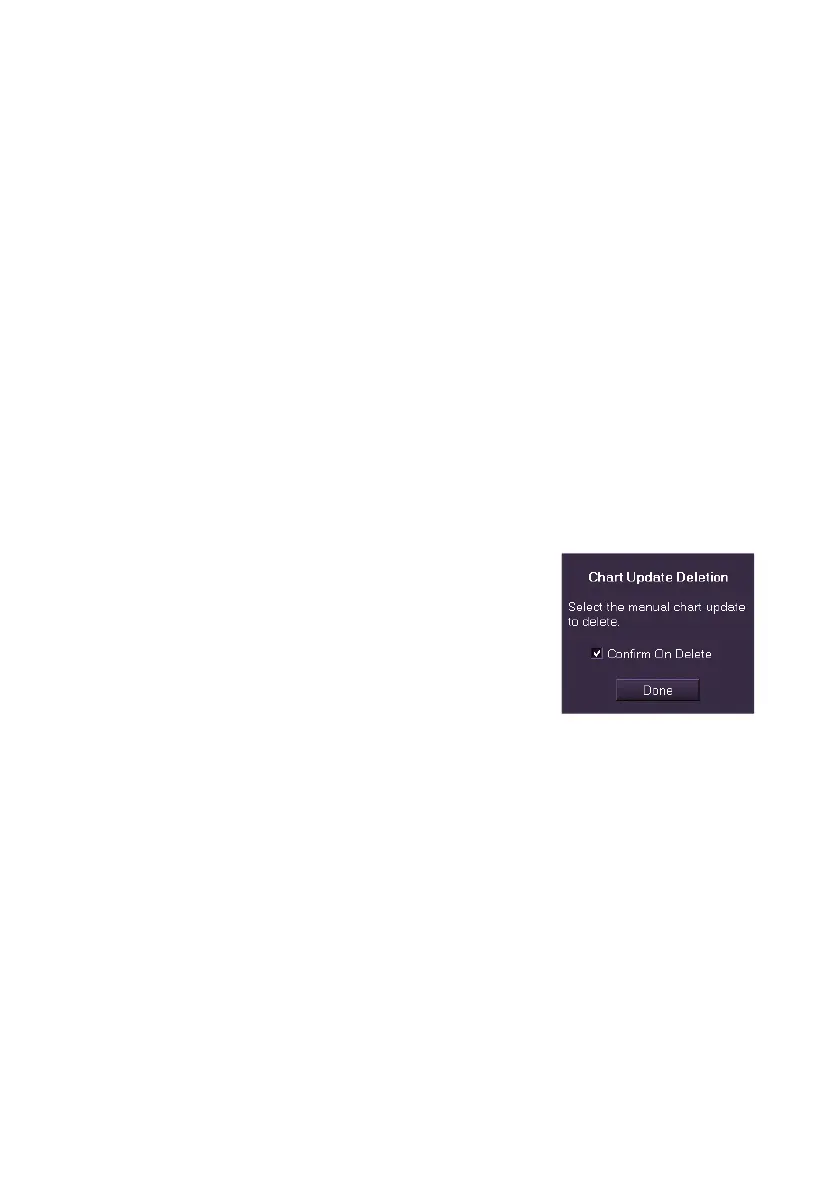
1. Click on the Delete Chart Update button.
The folder prompts to select the object you
wish to delete with a Confirm on Delete
check box. To receive system prompts to
confirm deletion before any object is deleted
tick the check box. If the box is unticked then
objects are deleted without confirmation.
2. The cursor displays DEL when moved into the chart display. Move
the cursor over the object to be deleted, the cursor lines change
from horizontal and vertical cross hairs to diagonal cross hairs,
indicating a delete action can now be performed.
3. Click on the object to delete it. If the Confirm On Delete check box
is ticked then the screen will prompt you to confirm the deletion. If
the Confirm check box is unticked the object is immediately deleted
from the screen.
4. Click the Done button to return to the Manual Chart Update Edit
sub menu.



 To Next Page