Basic Operation of ECDIS-E ECDIS-E User Guide
3-40 65934012
Brilliance Control
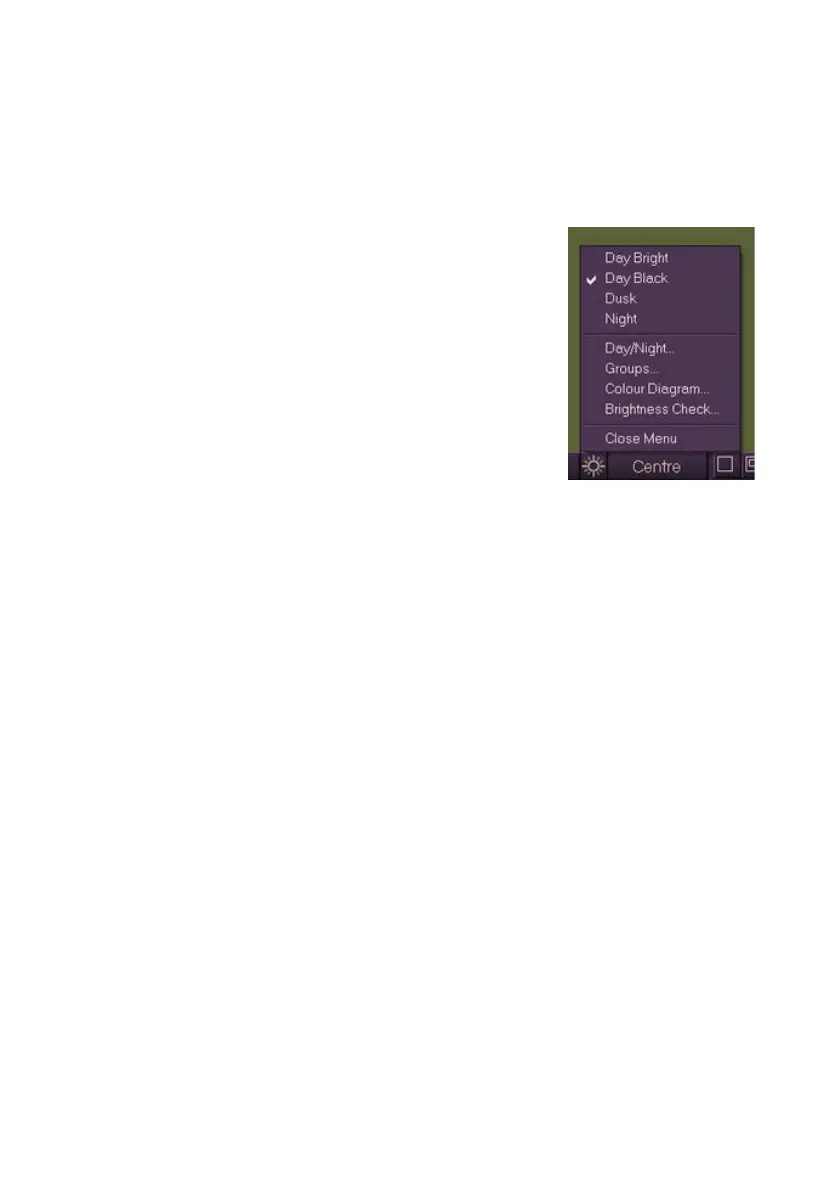
The Brilliance Control icon, located on the lower popup toolbar area,
provides quick access to the current day/night settings and sub menu
functions for the Brilliance menu.
To view the options right click on the icon, the
following selections are available from the list:
change of day/night settings, with the
current setting ticked, see Day and Night
Modes
access to the following sub menu windows:
Day and Night Modes
Brilliance Groups
Colour Diagram (Chart Symbols)
Brightness Check
On a dual-node system changes to the Brilliance settings on one node
affect all nodes on the system.



 To Next Page