ECDIS-E User Guide Brilliance
65934012 11-1
Chapter 11 Brilliance
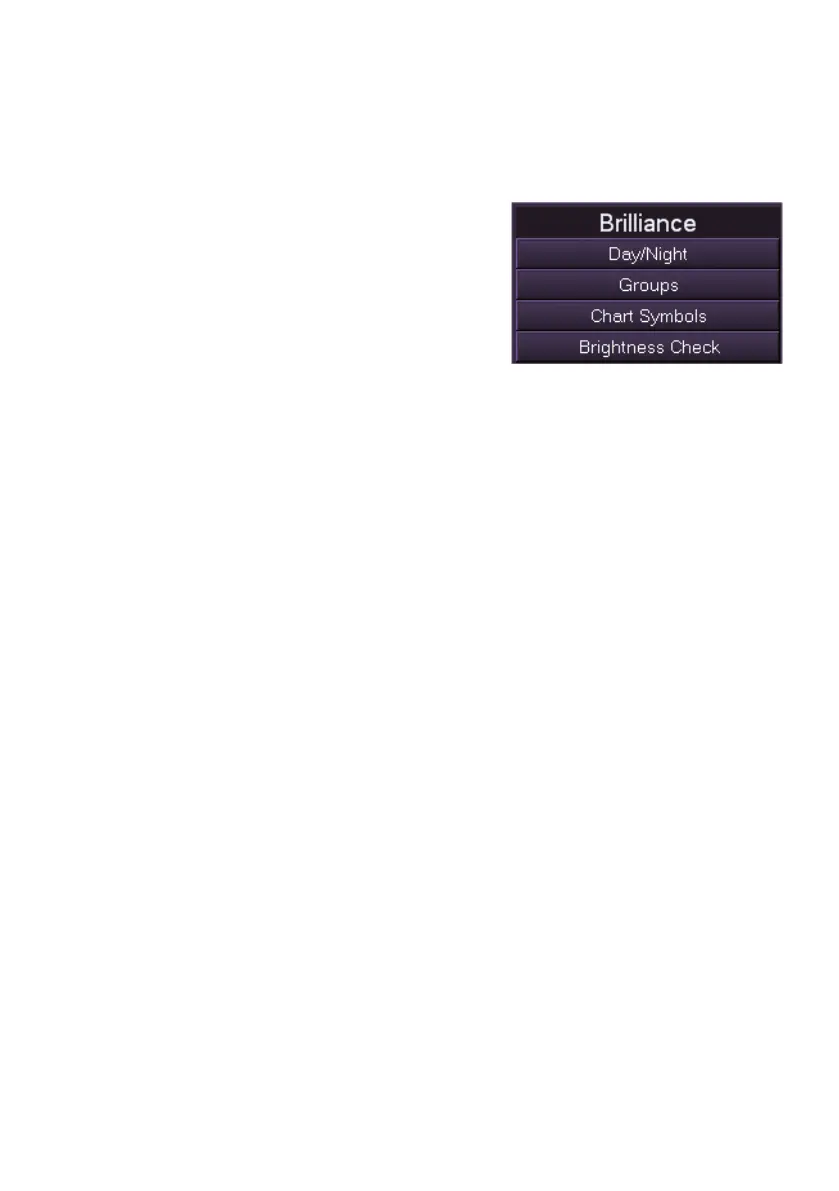
Brilliance Menu
The Brilliance menu provides access to the
following functions:
Day Night Modes
Brilliance Groups
Chart Symbols
Brilliance Check
You can access the Brilliance sub-menus in one of two ways:
Click on the Brilliance button in the main menu list to display the
sub menu options; or
Click on the Brilliance Control icon in the lower popup toolbar and
select from the list, see Brilliance Control .



 To Next Page