Charts ECDIS-E User Guide
4-66 65934012
Archived
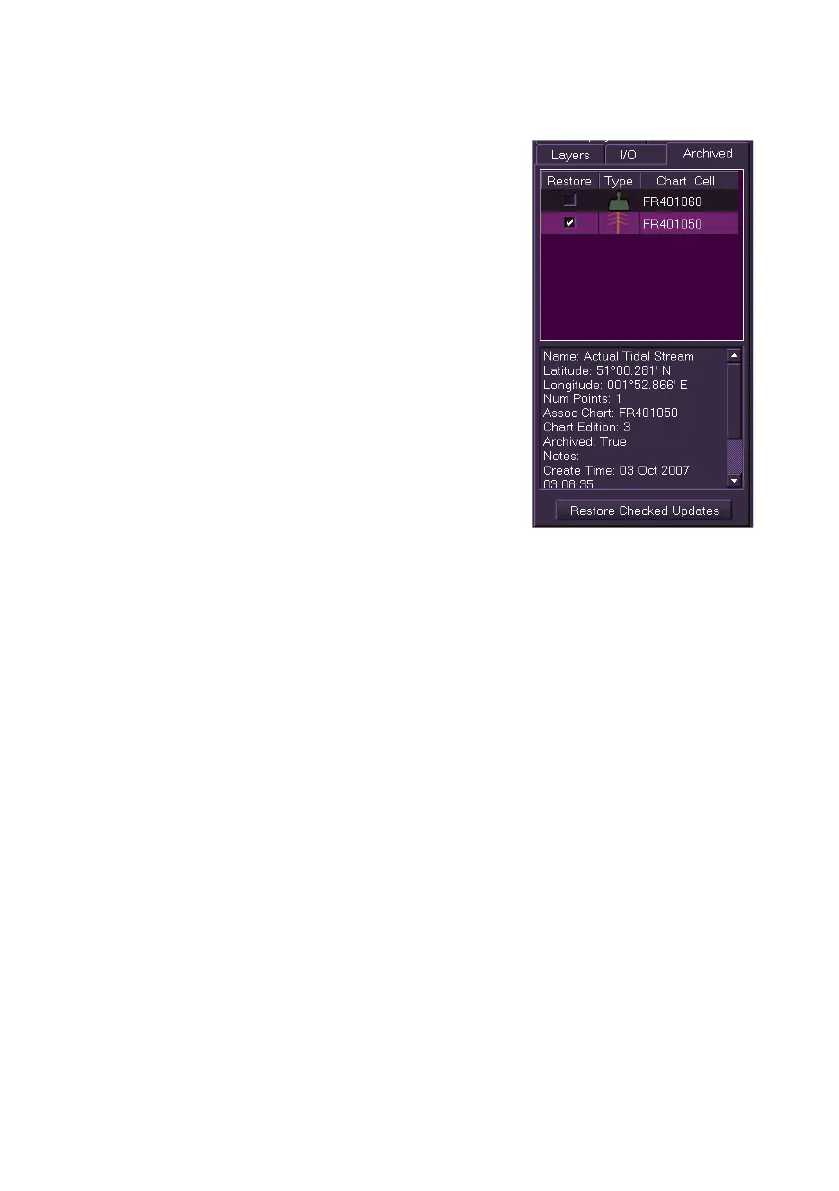
The Archived tab displays all manually created
chart objects that have been deleted within the
past three months.
The Archived list shows the chart object and its
associated chart. To view a detailed description of
each object highlight the object line.
To restore the archived objects to the chart tick
the object's Restore check box and then click the
Restore Checked Updates button. The selected
objects are restored to their original position on
the chart.



 To Next Page