Alerts ECDIS-E User Guide
7-6 65934012
Viewing Alert Details
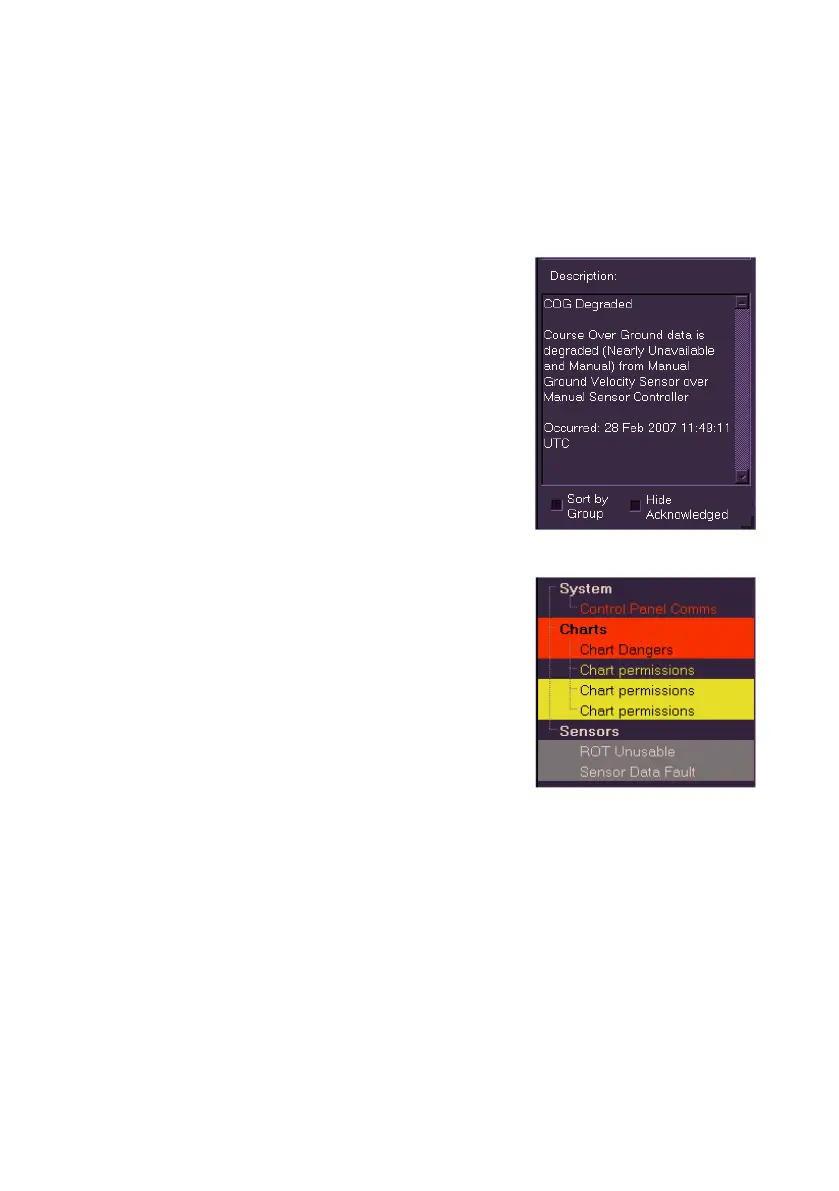
To view more information on a particular alert right click on the text. Details
of the alert, including activation date, time and description are shown below
the list.
Hide Acknowledged
To hide acknowledged alerts tick the Hide
Acknowledged check box. Acknowledged
alerts are hidden from the display, although if
the alert condition is still present the message
Alerts Present or Warnings Present is shown
in red in the message field. To show all
acknowledged alerts, untick the Hide
Acknowledged check box.
Sort by Group
To arrange alerts into groups tick the Sort by
Group check box. Grouping reduces the type
and number of alerts displayed, by de-classifying less critical alerts.
The system lists alerts in their relevant group
(e.g. Targets, Routes etc.), with the exception of
emergency alerts, and prioritises the alerts
within each group as Distress, Primary and
Secondary (see List of Alarms, Warnings and
Cautions). System alerts are always shown as
the highest priority, regardless of the type of
alert in the system group.
In addition to acknowledging individual alerts the
operator can acknowledge an entire group by
clicking on the group title.



 To Next Page