ECDIS-E User Guide Getting Started with ECDIS-E
65934012 2-15
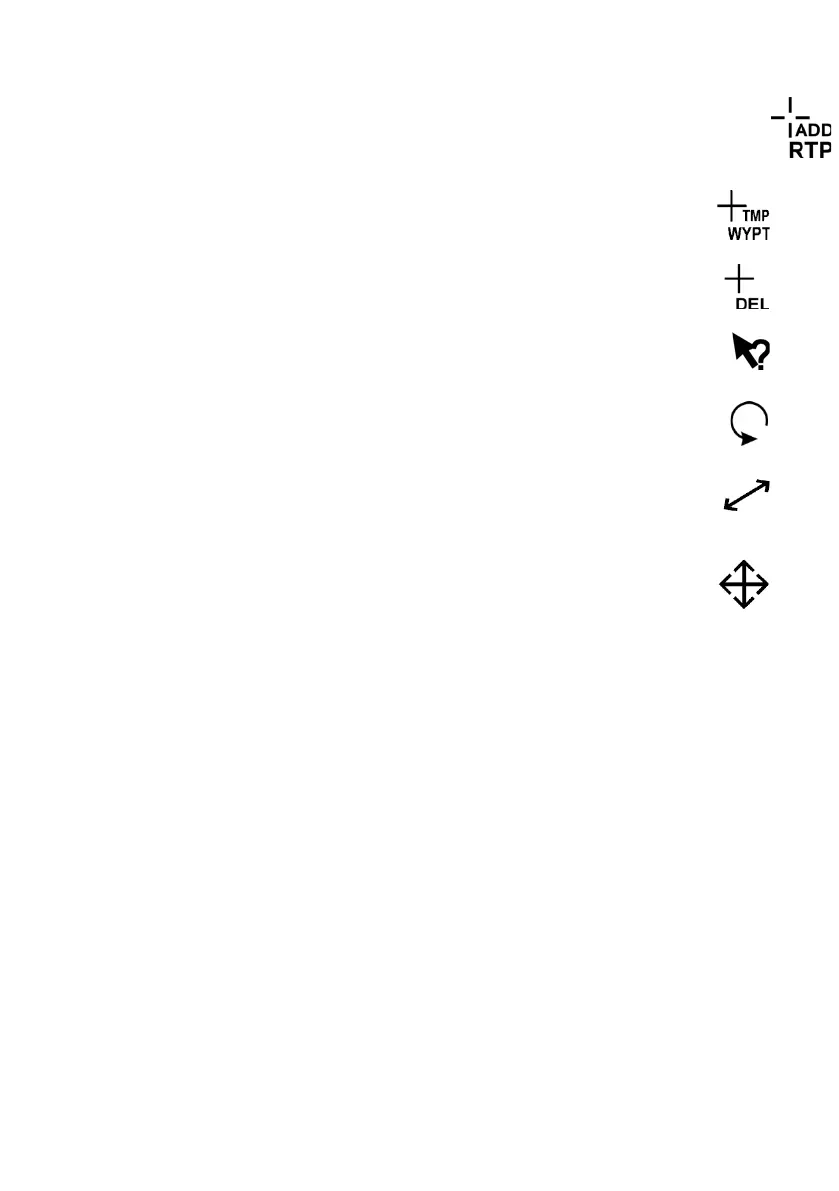
When a Return To Plan point is to be added to a route plan, the letters
ADD RTP appear below the cursor, see Routes.
When a Temporary Route Plan is created or edited, the letters
TMP WYPT appear below the cursor, see Temporary Routes .
When the cursor moves over an object to be deleted the letters
DEL appear below the cursor.
When the iHelp button is selected and the cursor moves over
screen functions it changes to the following symbol.
When the cursor moves over an Electronic Bearing Line (EBL) or
Parallel Index line it changes to the following symbol.
When the range of a Variable Range Marker (VRM), Parallel Index
line or route waypoint is adjusted the cursor changes to the
following symbol.
When the cursor moves over an Electronic Range and Bearing
Line (ERBL), distance line or route waypoint it changes to the
following symbol.



 To Next Page