Navigation Tools ECDIS-E User Guide
5-36 65934012
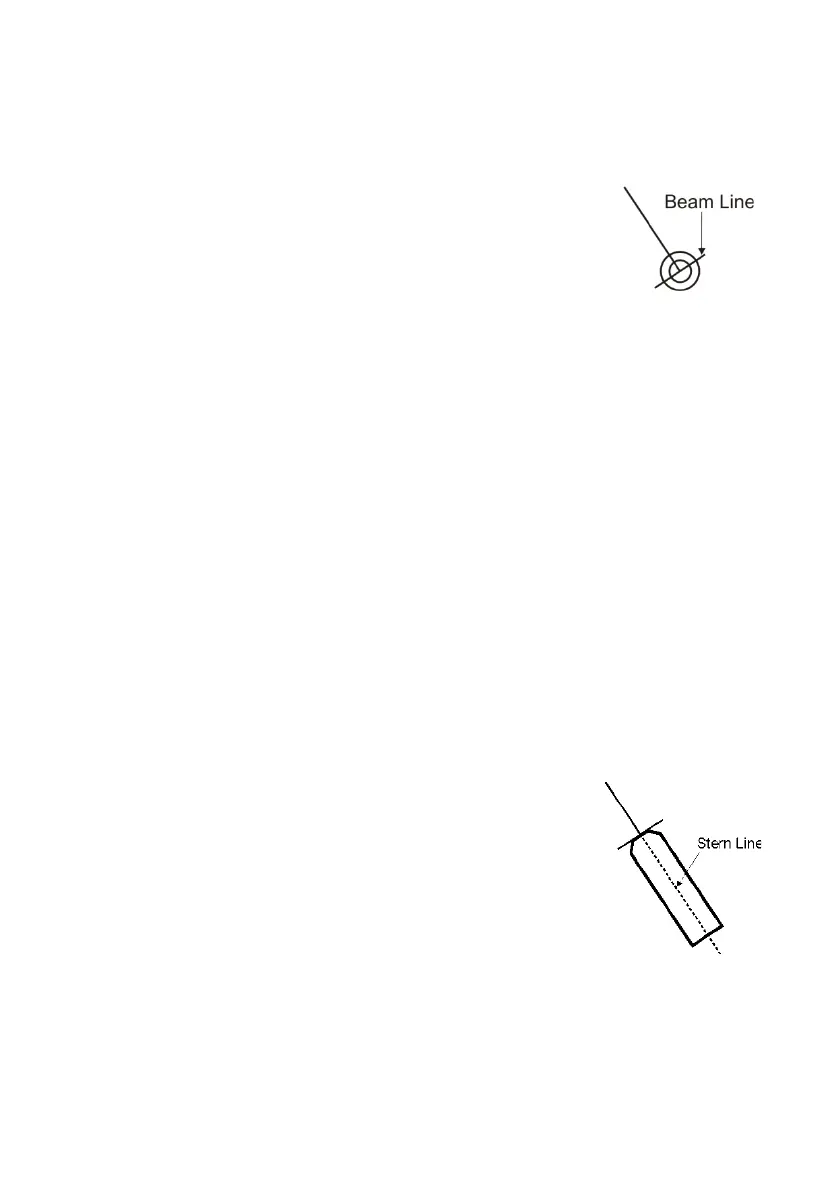
Beam Line Length
The length of the beam line defaults to 10mm, this is the minimum length
the line extends each side of own ship's CCRP.
To lengthen the beam line left click in the Beam Line
Length field, the value figure changes to green (editable).
Move the trackball right to increase the length (maximum
99.9mm), or if the length has been increased previously,
left to decrease. Left click again to exit the editing process.
True Scale Ship
When the Off check box is ticked the screen shows own ship drawn as a
minimised symbol, irrespective of range scale.
When the Default Symbol check box is ticked the screen shows a true
scale outline of own ship based on the configured length and beam of the
ship (as entered in the Configuration tool). The true scale outline may be
displayed if the greatest dimension of the ship is larger than 3mm on the
display.
When the Custom Symbol check box is ticked the screen shows ownship
drawn to represent the actual outline of the ship. Note that Custom Symbol
will only be enabled if an outline definition for own ship has been defined in
the Configuration tool. If no custom symbol has been defined then this
setting is disabled.
The default symbol and custom symbol are displayed in addition to the
heading line and beam line.
For information on the symbols available for own ship see Own Ship
Symbols.
Stern Line
When the Display Stern Line check box is ticked the
screen shows own ship's stern line, in addition to the
heading line. The stern line is drawn from the CCRP, i.e.
where the heading line joins the beam line.
The stern line is drawn reciprocal of the current heading
line. For example, if the presentation mode is Head Up
the heading line is at 000° and the stern line at 180°.



 To Next Page