ECDIS-E User Guide Navigation Tools
65934012 5-37
Antenna Position
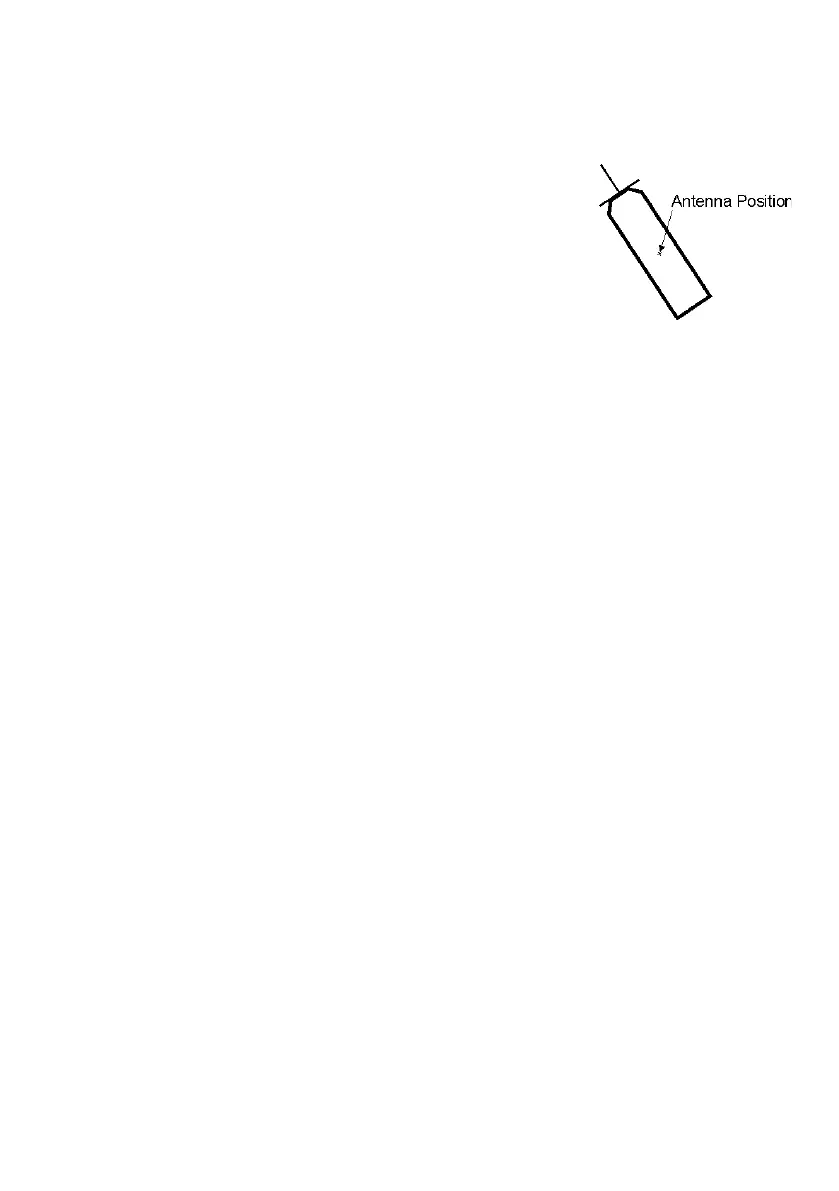
The antenna position may be displayed when own ship is in true scale only.
The antenna position is shown as a pair of small
crossed lines, between 1mm and 2mm long, centred
at the location on the display corresponding to the
position of the radar antenna. Note that the antenna
position may be in a different location to the CCRP ,
as shown in the figure to the right . For information
on setting the antenna position and CCRP, see `Top
Unit Configuration' in Chapter 1, `Configuration' of the Ship's Manual
(Volume 2).
Own Ship Vector Controls
Vector Tick Marks
Tick marks can displayed along the vector length at one minute intervals,
with every sixth tick mark is shown with double thickness, for more details
see Own Ship Symbols.
To turn vector tick marks on or off tick or untick the Display Vector Tick
Marks check box.
To change the default tick mark interval time from 1.0 minute, left click in
the interval field, the value figure changes to green (editable). Move the
trackball left to decrease the time (0.1 minute minimum), or right to
increase the time (60 minutes maximum). Left click again to accept the
value and exit the editing process.
Vector Arrow Head
When the Display Vector Arrowhead check box is ticked the screen
shows the own ship's vector arrowhead (double arrowhead in ground
stabilised mode; single arrowhead in water stabilised mode).



 To Next Page