ECDIS-E User Guide Appendix A - Chart Installation
65934012 A-17
Installing NavSync from the NAVTOR Website:
1. Retain the NAVTOR NavStick in the PC USB drive, open Internet
Explorer and go to navsync.navtor.com
2. From the NAVTOR web page click the Download and install
NavSync button.
3. If prompted, click either the Run (to run the application) button or
Save button (to save the application to the hard drive).
4. At the Application Install window click the Install button. The
NavSync application is installed.
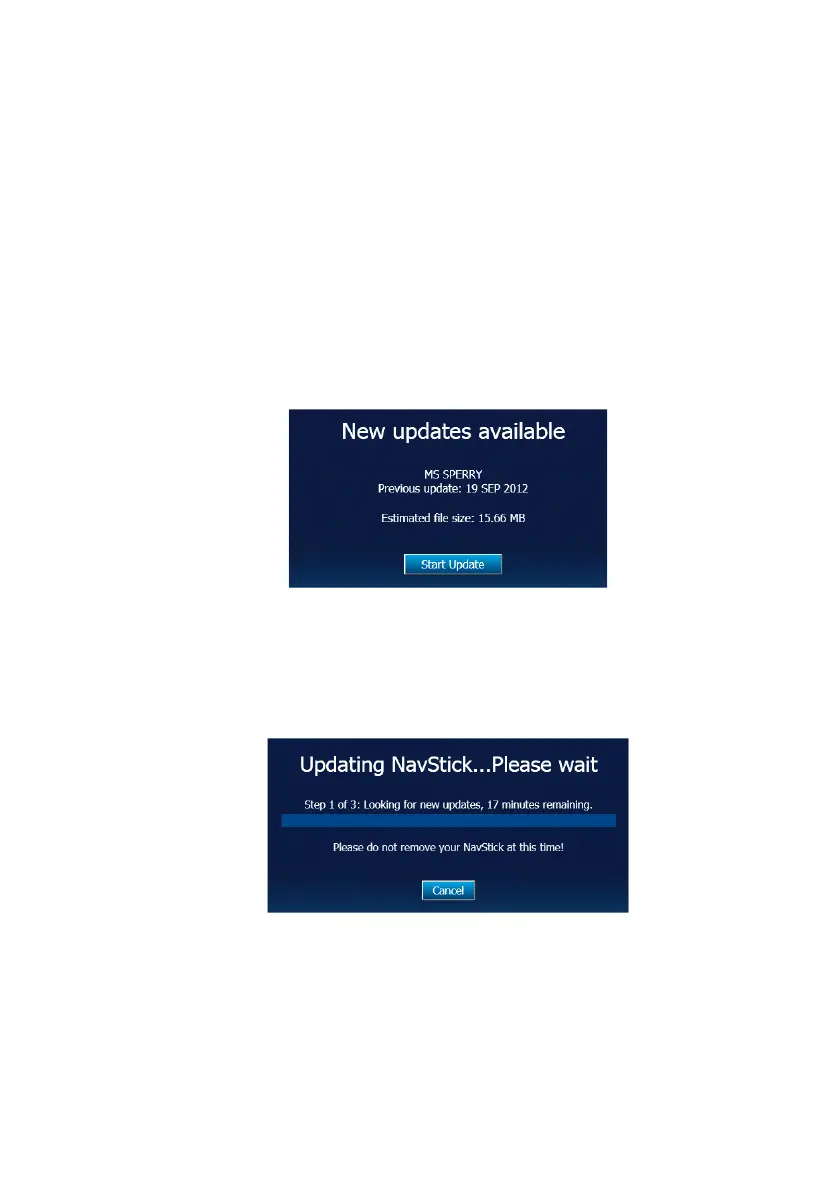
5. The application checks for updates, if updates are available the
following website window appears.
6. Click the Start Update button to update the ENC chart files on the
NAVTOR NavStick.
7. The website proceeds to download ENC chart updates to the
NavStick. The Updating NavStick popup window relays
information on time remaining for the update process.
When the update process is complete close Internet Explorer and remove
the NAVTOR NavStick from the PC.



 To Next Page