Navigation Tools ECDIS-E User Guide
5-20 65934012
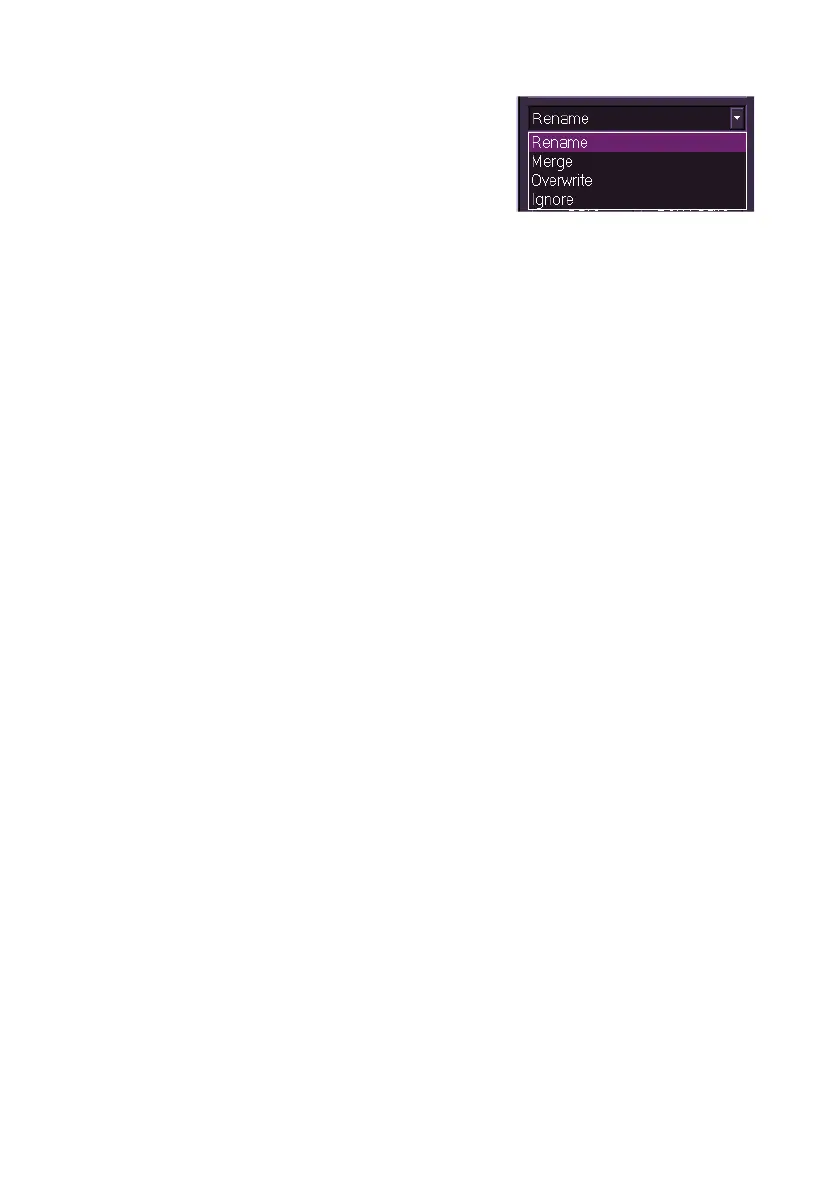
3. The following actions can be made by
clicking on the drop down arrow in the
lower part of the window, either to
specific selected files, or to all imported
files: Rename, Merge, Overwrite and
Ignore.
4. Select the required action and either click the Apply To Selected
button to a selected set, or to apply the action to all imported sets,
click the Save button.
5. When an import action is selected the file (or files) are imported
and a temporary prompt appears confirming the import and folder
name.
If clearing lines have been imported or exported from an external device
click on the Eject button before removing the device.



 To Next Page