Navigation Tools ECDIS-E User Guide
5-44 65934012
To select an MOB position on the chart, do the following:
1. From the Man Overboard window, click on the Select A Position
On Chart button and move the cursor into the chart display. The
button changes to Cancel and the cursor displays MOB below the
cross.
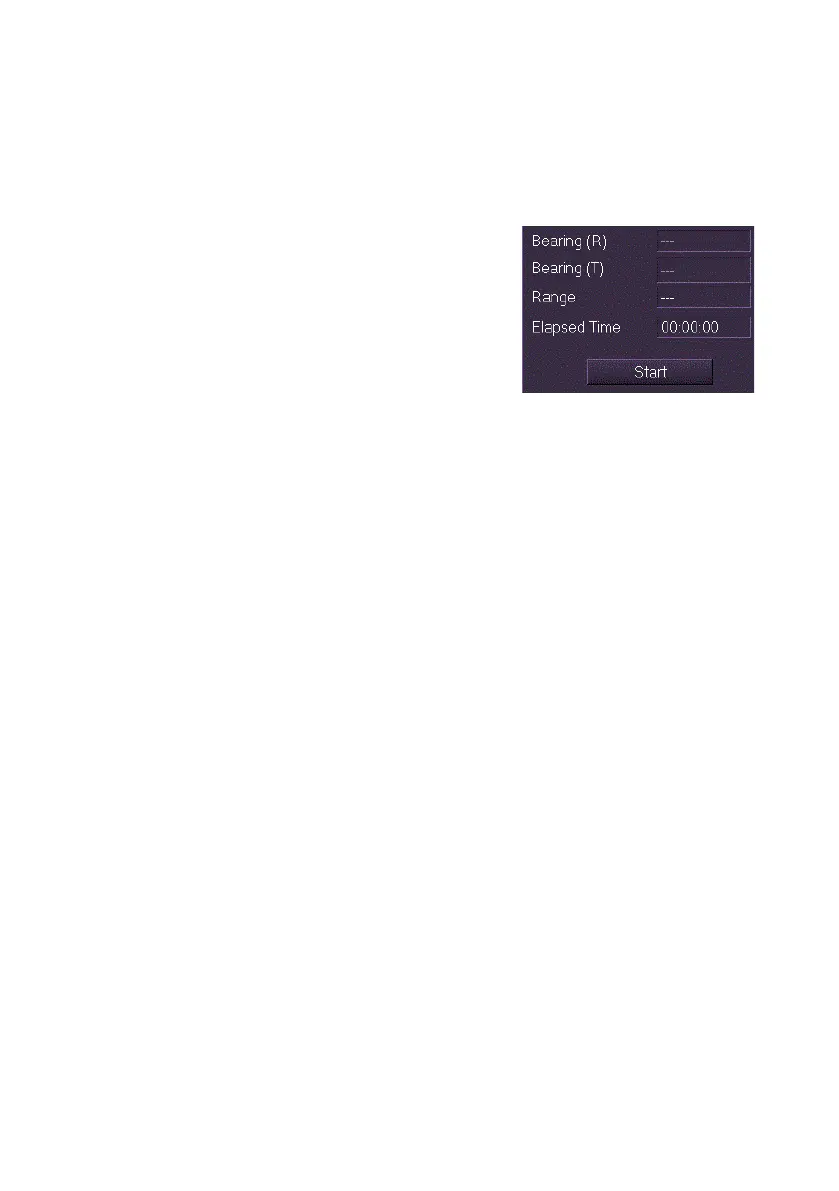
2. Click in the display area to position the
MOB. The symbol is dropped at the
selected position with the range and
bearings from the CCRP to the MOB
displayed and the Start button at the
bottom of the window active.
Note that the MOB operation is not
active until the Start button is pressed.
3. If the MOB event was not started using the top-level button the
Start button at the bottom of the window will be active and must be
pressed to start the event.
To turn off the MOB event do the following:
1. Click on the Cancel MOB button. An Action Required window
appears prompting to confirm cancellation of the MOB Event.
2. Click the Yes button to confirm. The MOB symbol is removed from
the display, the top-level MOB button changes from yellow to the
standard colour and the button in the Man Overboard menu
changes from Cancel MOB to Start.



 To Next Page