Sensor Management ECDIS-E User Guide
6-6 65934012
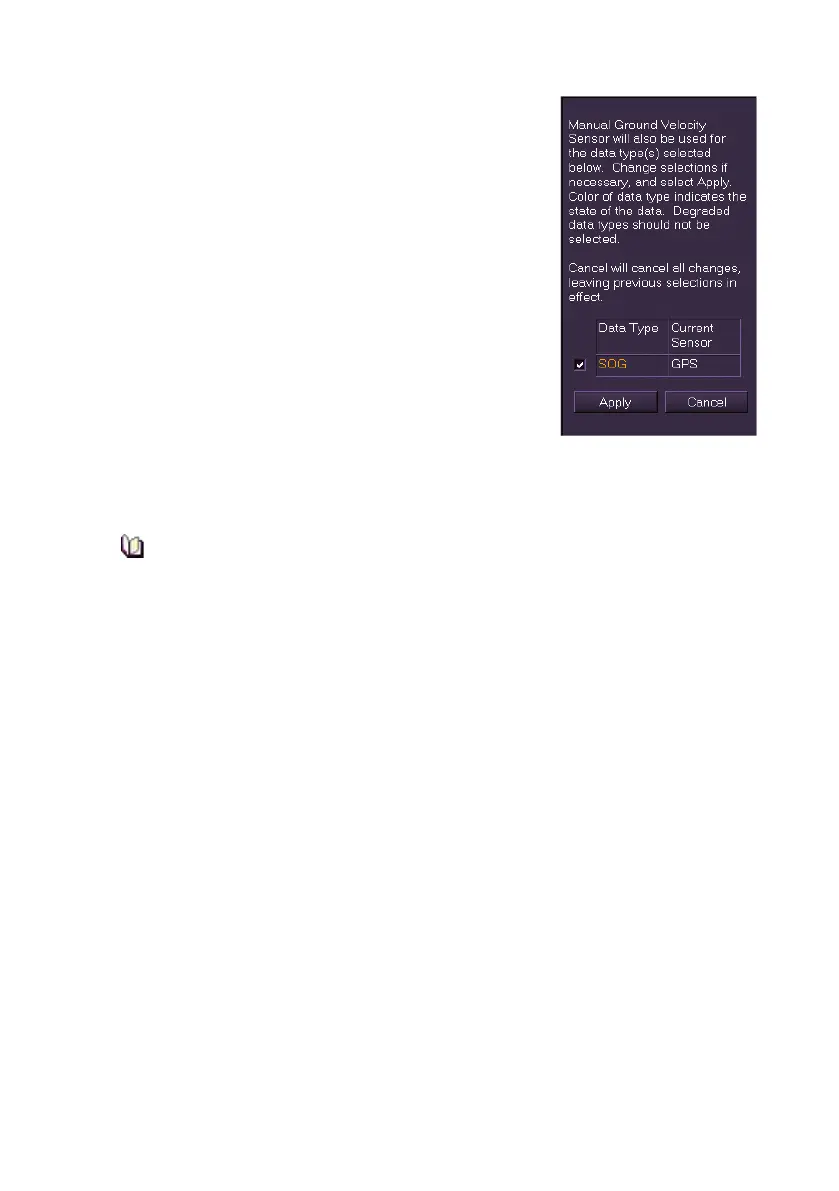
3. When the sensor being selected for COG
also provides other data types (e.g. SOG and
Position), a window appears prompting to
select which of these other data types should
also be taken from manual data, with the
data type's current sensor source
displayed. To update all click the Apply
button, or untick the boxes next to the data
source where the update should not apply.
To cancel all changes and revert to the
previous sensor source click the Cancel
button.
4. Where the sensor is changed the values
shown against the selected sensor source
are applied. If manual data is entered the
COG readout shown in the Indicator Display is displayed in
yellowish-orange and the ship's vector line is displayed in the same
colour.
If the SOG goes below 0.5 knots the COG value will show as a
series of green dashes. The COG will return to display an active
course bearing when SOG is at 0.5 knots or higher.



 To Next Page