ECDIS-E User Guide Routes
65934012 8-21
4. To navigate to the next danger in the list click the arrow. To
move up the list click the arrow. As each danger is highlighted
it is shown on the chart display.
5. To view cautions on the route repeat the procedure above.
Settings
The Dangers tab folder also includes the following safety settings.
Display Safety Regions
Highlight Safety Contour (not available on Chart Radar nodes)
Highlight NAV Hazards (not available on Chart Radar nodes)
List Cautions
Display Safety Regions
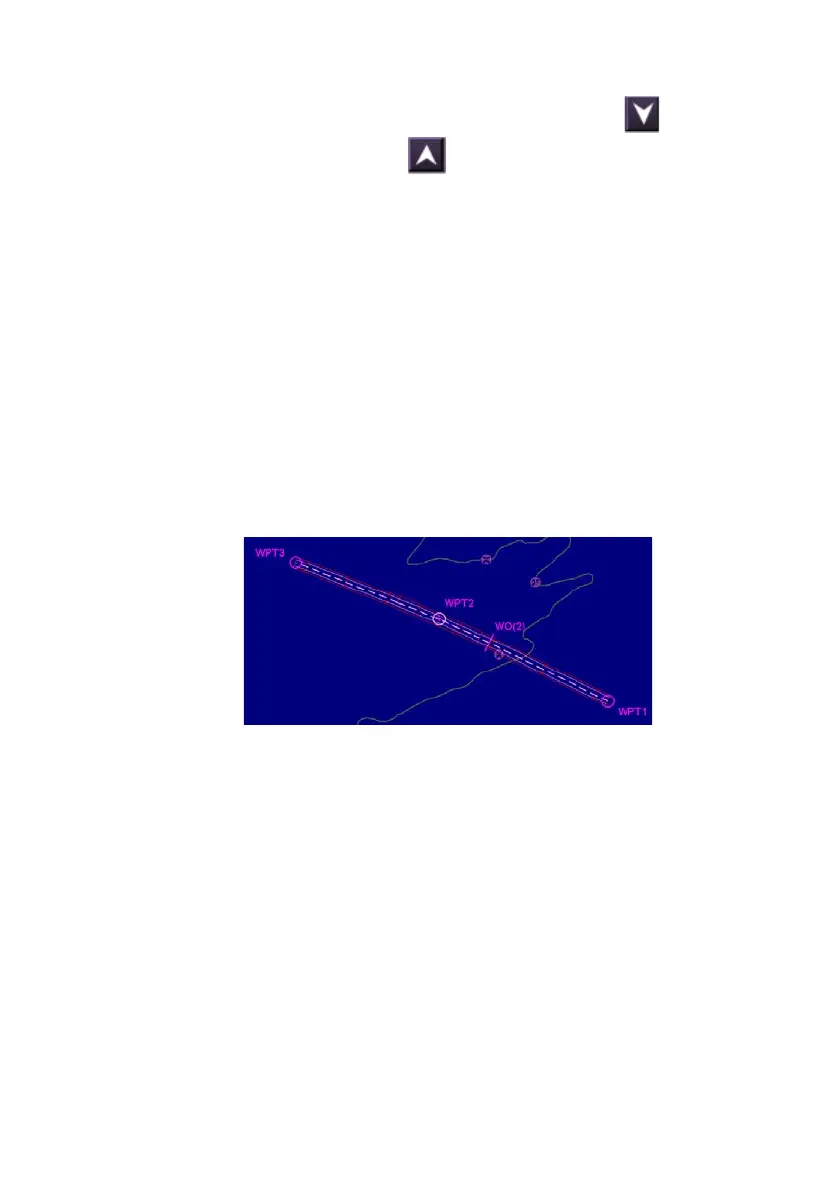
The Dangers tab folder also includes the option of displaying the route
safety region. To display tick the Display Safety Regions check box, the
safety region is displayed along the length of the route.
The route safety region is divided into segments and is defined as follows:
Route safety region buffer = cross track error limit + ½ ship beam.
The width of the safety region buffer will reflect the Port and Starboard
cross track distances set in XTD limits in the Routes tab folder.



 To Next Page