Routes ECDIS-E User Guide
8-36 65934012
Editing a currently monitored Route
When a route is being monitored the route is rendered in the non-editable
monitor colour (red). A currently monitored route can only be changed from
the Edit Route folder, saved and then reloaded from the Monitor Route
folder.
To change a currently monitored route do the following:
1. To edit a currently monitored route select Edit Route, and open the
currently monitored route from the Route tab window.
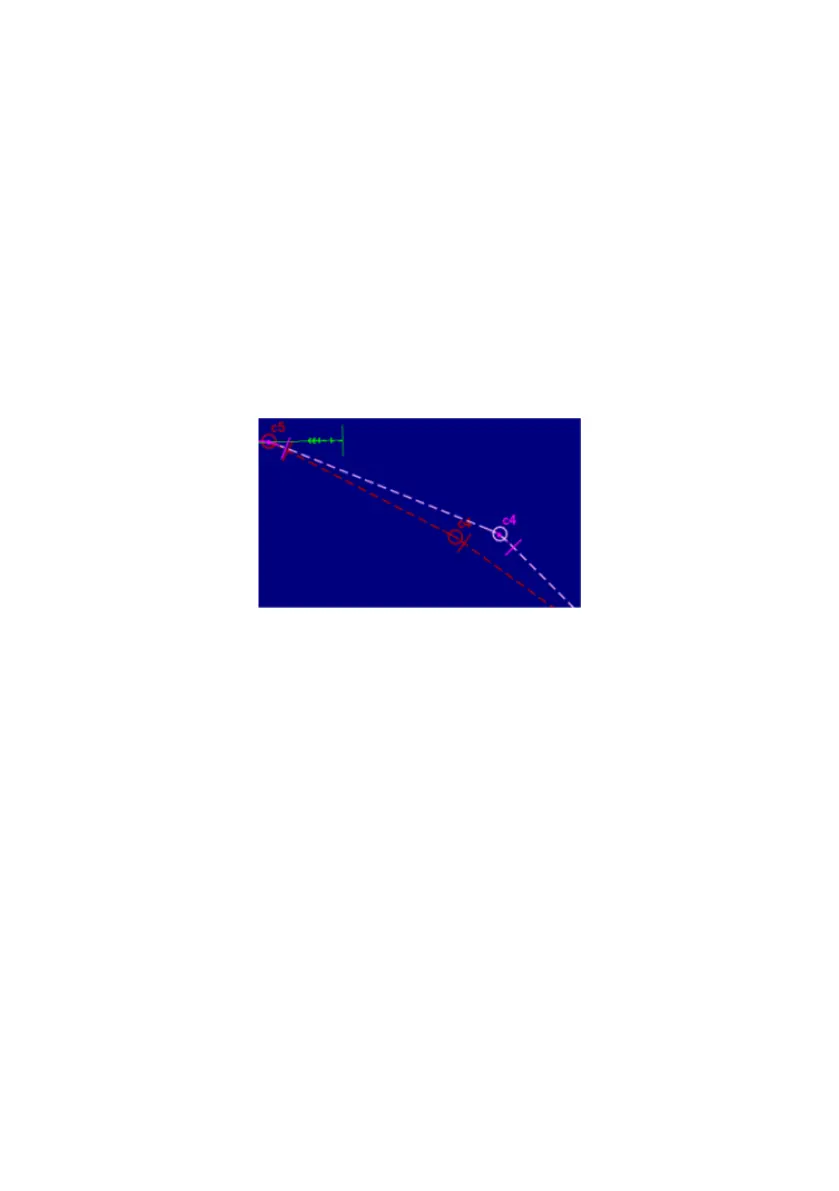
2. When you are monitoring a route and open the same route for
editing the system creates a duplicate route with the edit route
mode superimposed over the monitored route in the editable colour
(pink).
3. Make the required edits to the route, for details refer to Edit Route -
Waypoints Tab. As the route is changed the screen shows the
monitored route in the original position.
4. Save the changes made to the route. The system displays a
warning stating that the route being saved is the currently loaded
route for monitoring and that changes will not affect the monitored
route, click the OK button.
5. Click the Clear / New button to remove the route from the Edit
Route sub menu.
6. Navigate back to the Monitor Route tab folder and reload the
revised route, the monitored route on screen is replaced with the
new version.



 To Next Page