Electronic Range and Bearing Lines ECDIS-E User Guide
10-6 65934012
Where Offset Origin is selected:
1. Cursor changes to bidirectional arrow. The EBL and its associated
VRM display the suffix (C).
2. When Offset selected, the ERBL is immediately positioned at
cursor position on the display. Use trackball to move ERBL to the
required offset location. When offset, the origin is indicated by a
white dot.
3. Left click to fix position, the ERBL is now in Carry mode and moves
relative to own ship. Or right click to cancel and return the ERBL to
the CCRP.
Where Drop Origin (D) or Drop EBL / VRM is selected:
1. A white dot is displayed at the origin of the ERBL and the EBL and
its associated VRM caption are shown with the suffix (D). Unlike
Offset, the ERBL does not move when the cursor moves. When the
cursor is positioned over the ERBL origin it changes to a
bidirectional arrow.
2. To move the ERBL. Left click and hold on the origin. Use trackball
to move the ERBL to required location, release to drop it. The
ERBL remains stationary in the selected location. Only True
bearing is allowed with Drop Origin.
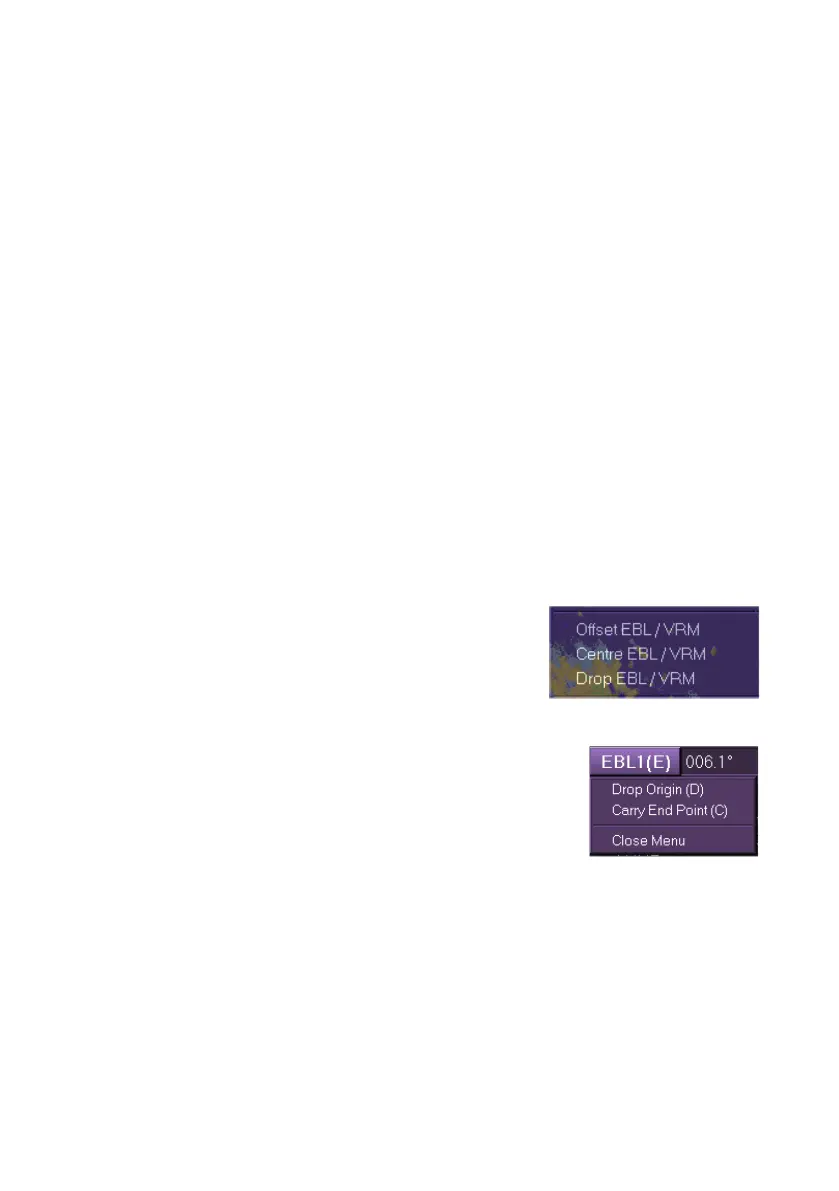
To re-position the ERBL back to own ship's CCRP
either right click on EBL button and select Centre
Origin from the drop down window, or right click
on the ERBL dot and select Centre EBL / VRM
from semi-transparent window.
Where Drop End Point (E) is selected from the EBL readout:
1. The EBL and VRM buttons are shown with the
suffix (E). As the ship moves, the ERBL range
and bearing are continually updated to the
dropped end point.
2. To move the line or marker relative to own
ship with the ERBL range and bearing static select Carry End
Point (C).
3. Or to drop the ERBL at the current position select Drop Origin (D)
from the drop down window, or right click on the ERBL origin and
select Drop EBL / VRM.



 To Next Page