System ECDIS-E User Guide
13-8 65934012
3. To select from a number of feature options (for example, Distance and
Time, or Vector type) select the radio button.
4. When custom settings have been made click on the Save button. The
settings are saved and the menu returns with the edited profile
highlighted in the Available Profiles list.
5. To cancel any profile setting changes click the Cancel button.
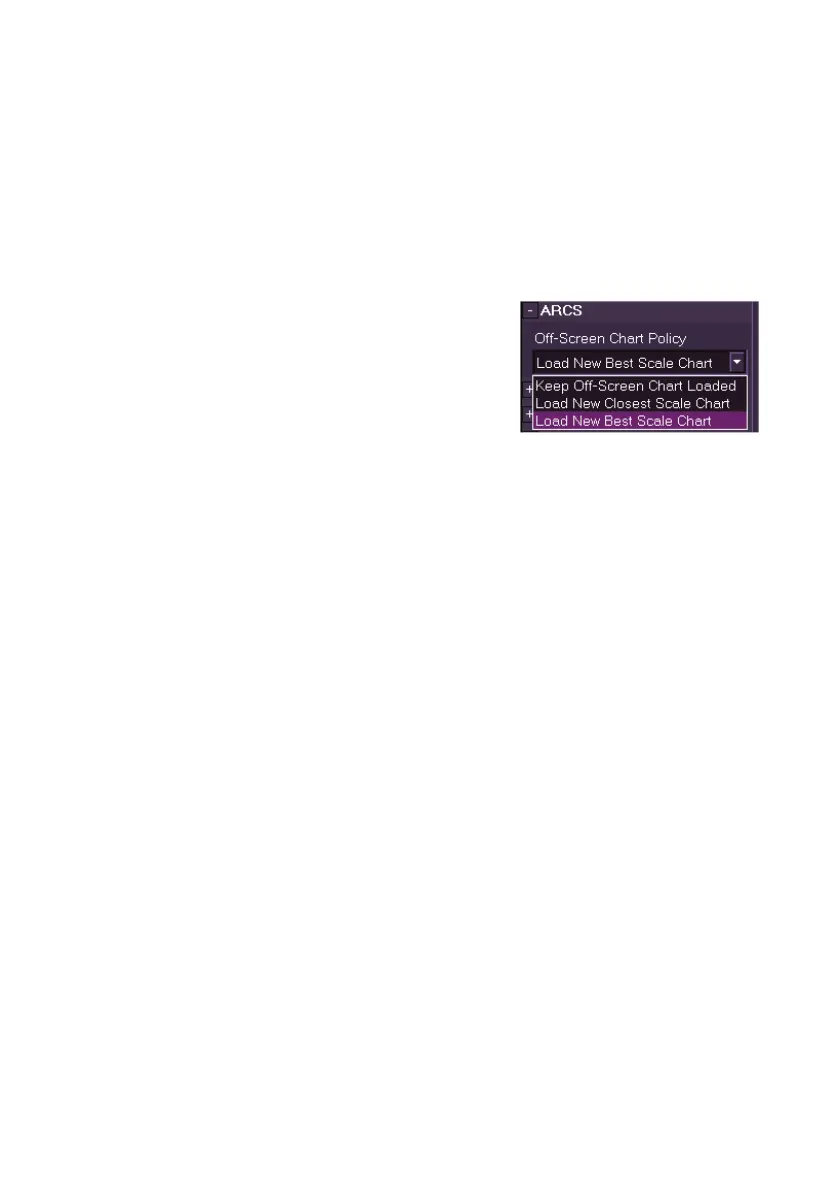
ARCS
The off-screen chart policy for ARCS charts
defaults to Load New Best Scale Chart. To
select another option click on the drop down
arrow and select either Keep Off-Screen
Chart Loaded or Load New Closest Scale
Chart for list.



 To Next Page