ECDIS-E User Guide System
65934012 13-13
To export diagnostic log files do the following:
1. Follow steps 1 to 3 in the previous
procedure.
2. Select Diagnostic Log Files from the
Report Options drop down list.
3. If required, enter a description of the log
files in the Description field.
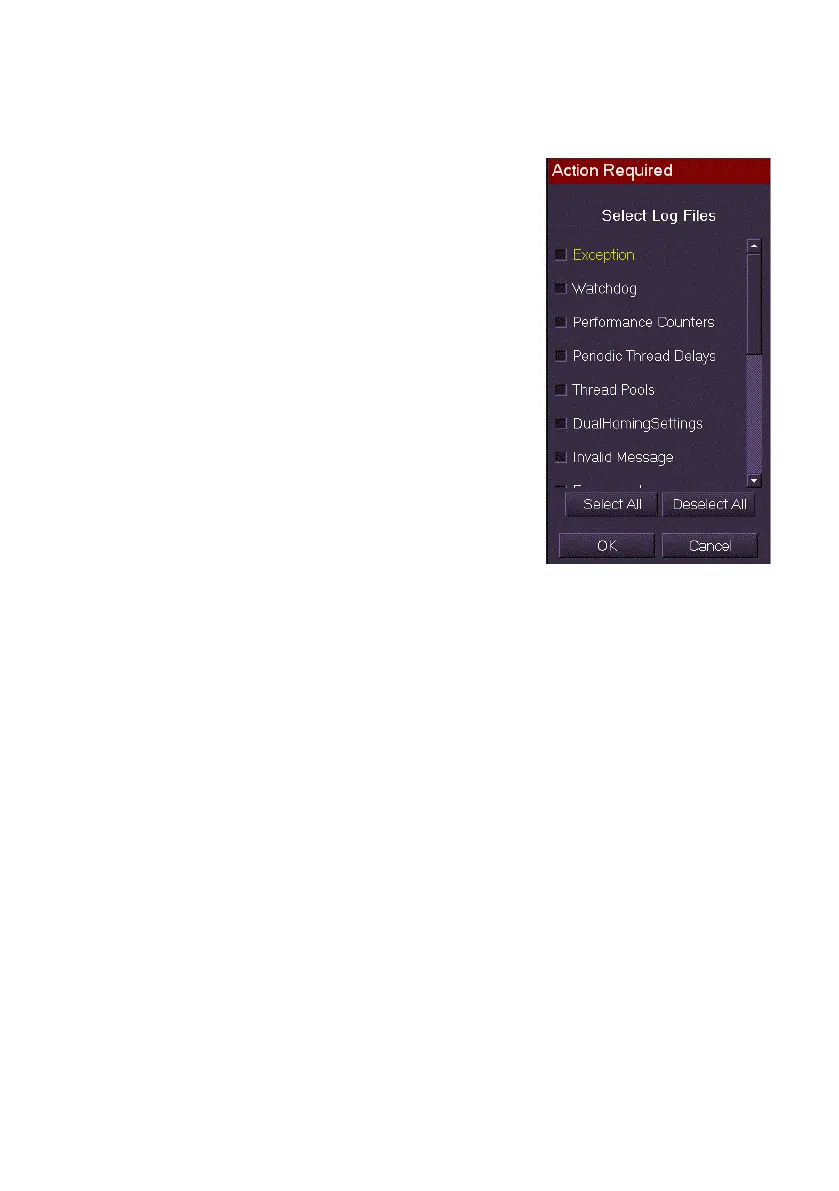
4. Click on the Export button. An Action
Required window appears listing all the
available diagnostic log files.
5. Either select individual files by ticking
their check boxes, or select all files by
clicking the Select All button.
6. Click the OK button. While the export is
in progress the Export button changes to
display Wait... and is disabled. When
the report is successfully exported a
temporary prompt will appear confirming
the export.



 To Next Page